

Best Way to Share Team Updates Without Meetings
Most teams do not love meetings.
They rely on them because it feels like the only way to stay aligned.
• What is happening with this deal
• Why was that decision made
• Who last spoke to the customer
When that information is hard to find, meetings become the default.
“Meetings are not the problem. Missing context is.”
Here is the best way to share updates without needing constant calls.
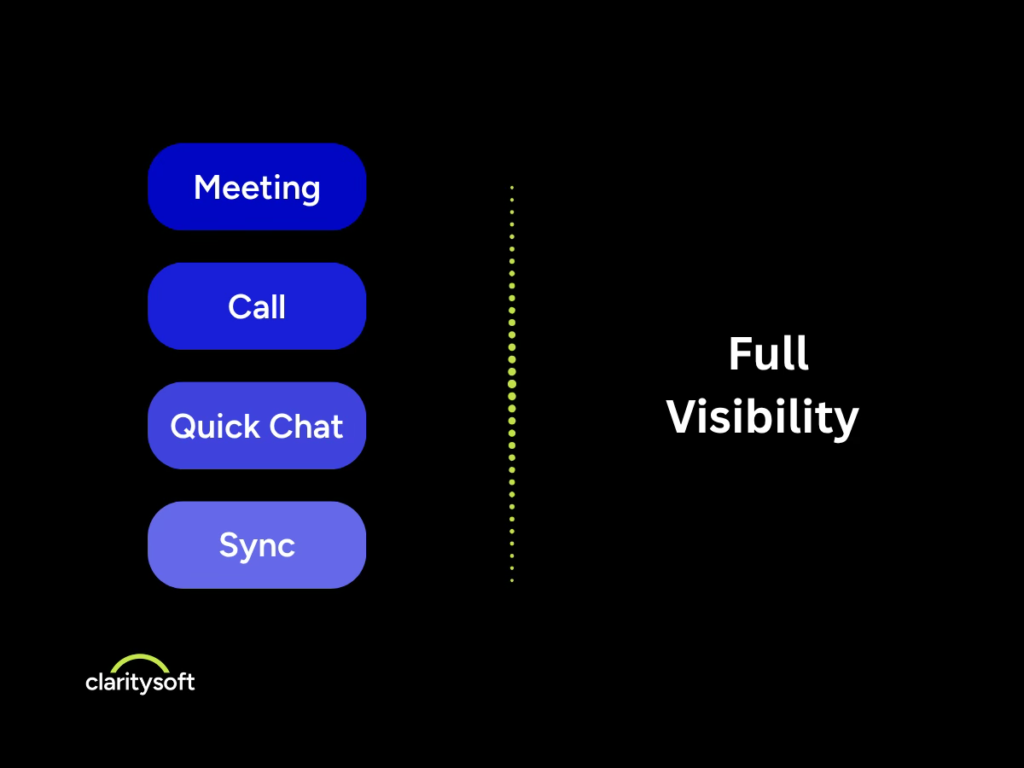
Why Teams Use Meetings for Updates
When information is not easy to access:
• Notes live in inboxes or scattered tools
• Updates are inconsistent or unclear
• Activity is not logged consistently
• Teams do not trust the data
So people schedule meetings just to get clarity.
The meeting becomes a workaround.
What Good Team Updates Should Look Like
For updates to replace meetings, they need to be:
• Easy to find
• Easy to understand
• Up to date
• Shared across the team
When this exists, teams stay aligned without needing to check in constantly.
1. Use One System for All Updates
If information lives in multiple places, updates will always be incomplete.
Use one system where:
• Conversations are logged
• Deals or projects have clear status
• Activity is visible to everyone
This creates a single source of truth.
2. Standardize How Updates Are Shared
Most meetings exist to answer one question.
What is going on right now
Replace that with structured updates:
• Current status
• What changed
• What happens next
• Who owns it
Anyone should be able to scan and understand quickly.
3. Capture Updates During Work
If updates feel like extra work, they will not happen.
Make it part of the workflow:
• Log notes during calls or meetings
• Update status in real time
• Keep it quick and simple
Consistency comes from ease.
4. Focus on Clear, Useful Information
More detail does not mean better updates.
Focus on:
• What changed
• What matters now
• What happens next
Clear updates reduce confusion and follow up questions.
5. Make Visibility the Default
Sharing updates is not just about tools. It is about expectations.
High-performing teams:
• Share information consistently
• Keep updates visible to everyone
• Contribute to a shared understanding
When visibility is standard, alignment happens naturally.
Why Most Systems Fail at This
Many teams already have tools that should support this.
But they are:
• Too complicated
• Time consuming to update
• Not built for daily use
So people avoid them, and meetings come back.
How the Right CRM Helps Teams Stay Aligned
A well-designed CRM makes updates easy to share and easy to find.
• Clear timeline of activity
• Simple note taking
• Real time visibility into status
When teams trust the system, they stop asking for updates.
They can see everything they need.
The Bottom Line
You do not reduce meetings by canceling them.
You reduce meetings by making them unnecessary.
Better updates lead to better alignment.
And better alignment leads to fewer meetings, faster decisions, and more productive teams.