
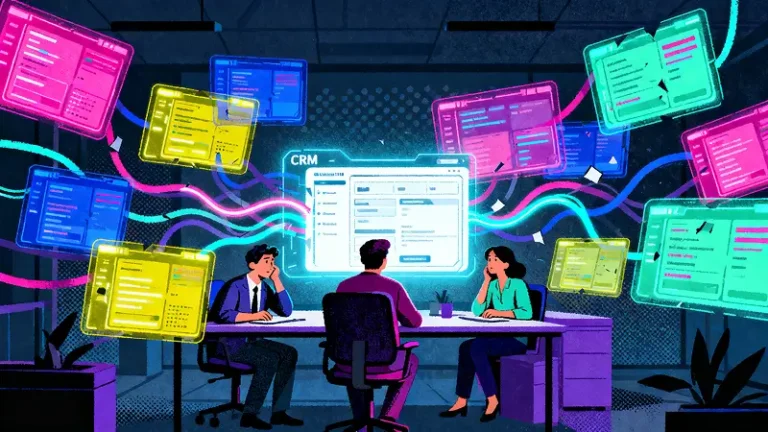
Most CRMs don’t fail because they’re bad software. They fail because at some point, someone says “Okay… I’ll update this later.” And then later never comes.
If you’re on a small team, this probably sounds familiar
You bought a CRM with tons of features
Setup took way longer than expected
Half the team never really logged in
Someone is still tracking things in a spreadsheet named FINAL_v7_REALLYFINAL.xlsx
You’re not broken. Your CRM just wasn’t built for humans.
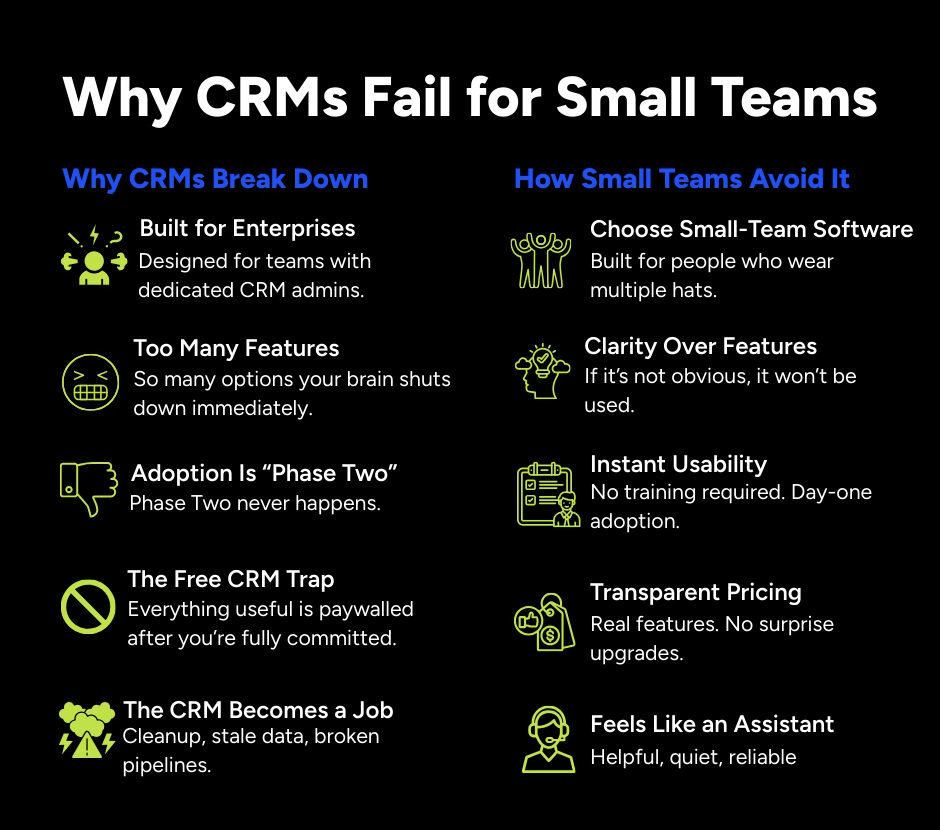
They’re Built for Enterprises
Most CRMs are designed for companies with:
- Dedicated CRM administrators
- Internal operations teams
- Weekly meetings about the CRM
Small teams have:
- One person doing sales, marketing, and tech tasks
- Zero patience for configuration
- A strong focus on simply getting work done
When software assumes you have time to manage the software, things go downhill fast.
How to avoid it: Choose a CRM designed for small teams, not enterprise software disguised as simple.
Too Many Features Cause Brain Shutdown
CRMs love to highlight features such as unlimited customization, advanced automation, and enterprise level functionality.
Then you log in and see:
- 12 menus
- 8 dashboards
- 47 settings
- No clear starting point
A CRM should not feel like piloting an aircraft.
How to avoid it: If your team cannot understand navigation within five minutes, adoption is already at risk.
Adoption Is Always Phase Two
Many CRMs promise adoption will follow after setup. In reality, small teams rarely have time for training programs or onboarding sessions.
If a tool is not intuitive immediately, people quietly stop using it while processes begin to break down.
How to avoid it: The best CRM requires minimal training. If your team cannot use it confidently on day one, it is likely not the right solution.
The Free CRM Trap
Free CRMs often appear attractive initially. Over time, essential features may require additional costs.
- Automation requires upgrades
- Reporting requires upgrades
- Email tools require upgrades
Once your data is fully integrated, switching platforms can feel difficult both technically and emotionally.
How to avoid it: Choose transparent pricing with clearly included features and no unexpected upgrade barriers.
The CRM Becomes Another Job
Instead of supporting your team, some CRMs create additional workload.
- Constant data cleanup becomes necessary
- Information becomes outdated
- Sales pipelines lose clarity
How to avoid it: A CRM should function like a helpful assistant, not an additional responsibility.
What Actually Works for Small Teams
- Simple with no manual required
- Fast setup measured in hours rather than months
- Clear visibility into activities and performance
- Flexible without creating confusion
- Practical usability for real workflows
When a CRM feels easy to use, adoption naturally improves and teams rely on it consistently.
The Bottom Line
Small teams do not need more features. They need fewer obstacles.
A strong CRM should feel intuitive, manageable, and supportive of daily operations. If your team avoids using it, the issue may be the software design rather than user motivation.
Choosing the right CRM helps teams manage growth more effectively and with greater clarity.