

Let’s be honest about software.
If you give employees a tool that’s difficult to use, they won’t use it.
Not out of defiance. Not because they are bad with technology.
They avoid it because they have real work to do.
No amount of sleek dashboards, AI copilots, or “enterprise-grade” features can save a CRM people quietly resent.
Here’s how to tell when your CRM has crossed the line from helpful to harmful.
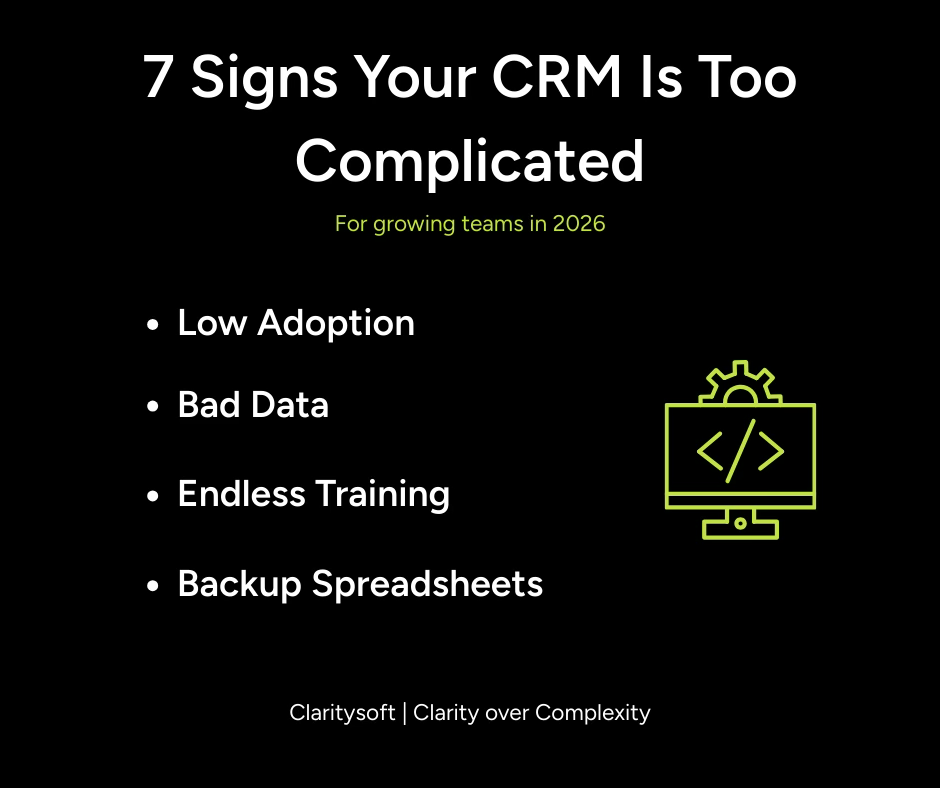
1. Your CRM Requires a Translator
Every overcomplicated CRM eventually creates a gatekeeper.
One person who knows which fields matter, which automations not to touch, and which dashboards are “mostly accurate.”
Everyone else logs in cautiously, clicks carefully, and hopes they don’t break anything.
If your CRM needs a full-time interpreter, it isn’t powerful.
It’s fragile.
2. Employees Are “Using It” But Not Really
This is the danger zone.
People technically log in.
In practice, they skip fields, dump notes wherever they fit, and update deals only when forced.
When a system is hard to use, employees do the minimum required to escape it.
That means your CRM data becomes incomplete, inconsistent, or simply wrong.
Which leads to the next problem.
3. Your Dashboards Are Telling the Wrong Story
Dashboards are only as good as the data feeding them.
If employees rush updates or avoid the system altogether, your reports are built on weak inputs.
AI tools make confident suggestions based on missing context.
Forecasts look polished and miss the mark.
The interface may be impressive.
The insight is not.
4. Spreadsheets Keep Coming Back
When teams don’t trust the CRM, they create backups.
Spreadsheets for deals.
Spreadsheets for notes.
Spreadsheets for follow-ups.
Spreadsheets for “the real numbers.”
This isn’t rebellion.
It’s survival.
People choose the tool that lets them move fastest with the least friction.
If that tool is not your CRM, your CRM is the problem.
5. Simple Tasks Feel Unnecessarily Hard
Adding a contact should not feel like filing taxes.
If basic actions require too many required fields, multiple screens, or unofficial workarounds, your CRM is forcing employees to adapt to the software instead of the other way around.
That is how everyday work turns into daily frustration.
6. Training Never Ends
Every CRM needs onboarding.
But if months later you are still retraining workflows, reminding people where things live, and explaining why the setup works the way it does, the issue is not your team.
Employees do not want to master software.
They want tools that fade into the background and let them do their jobs.
7. You’re Paying a Lot and Getting Little Back
A complicated CRM quietly destroys ROI.
Employees waste time fighting the system.
Leadership makes decisions on shaky data.
Automation fires at the wrong time.
AI insights sound smart and lead nowhere.
You did not invest in a CRM to collect bad data faster.
You invested to drive efficiency, visibility, and growth.
Low adoption guarantees low return.
Complexity Isn’t a Flex
There is a persistent myth that complexity equals sophistication.
In reality, complexity creates hesitation, avoidance, inconsistent data, and decision fatigue.
A CRM should make the next action obvious.
It should fit how your team already works.
It should reward usage, not punish it.
Why Claritysoft Wins
Claritysoft is built around a simple truth.
If your team does not like using the CRM, the business will never get value from it.
That is why Claritysoft focuses on intuitive workflows, flexible customization, clean reporting, and features that work in real life, not just in demos.
When employees use the system, data improves.
When data improves, dashboards become trustworthy.
When dashboards are trustworthy, leaders make better decisions.
That is how CRM delivers ROI.
If Your CRM Feels Heavy, It Probably Is
If your CRM creates more friction than clarity, it may be time to simplify.
Claritysoft helps businesses replace overbuilt systems with something refreshingly usable, without sacrificing insight or control.
Because the best CRM is not the one with the most features.
It is the one people actually use.