
CRM Customization Software
Make Your CRM Work the Way Your Business Works
CRM Customization in Claritysoft CRM gives you the flexibility to configure fields, interfaces, views, user profiles, and custom modules around your specific business processes.
Create custom and calculated fields, organize information into sections and pages, design interfaces with the Interface Designer, customize list views, create saved custom views, control user access, and build custom object modules for information that does not fit into standard CRM records.
Instead of forcing your business to adapt to a rigid CRM structure, Claritysoft CRM lets you build a system around the way your team actually works.
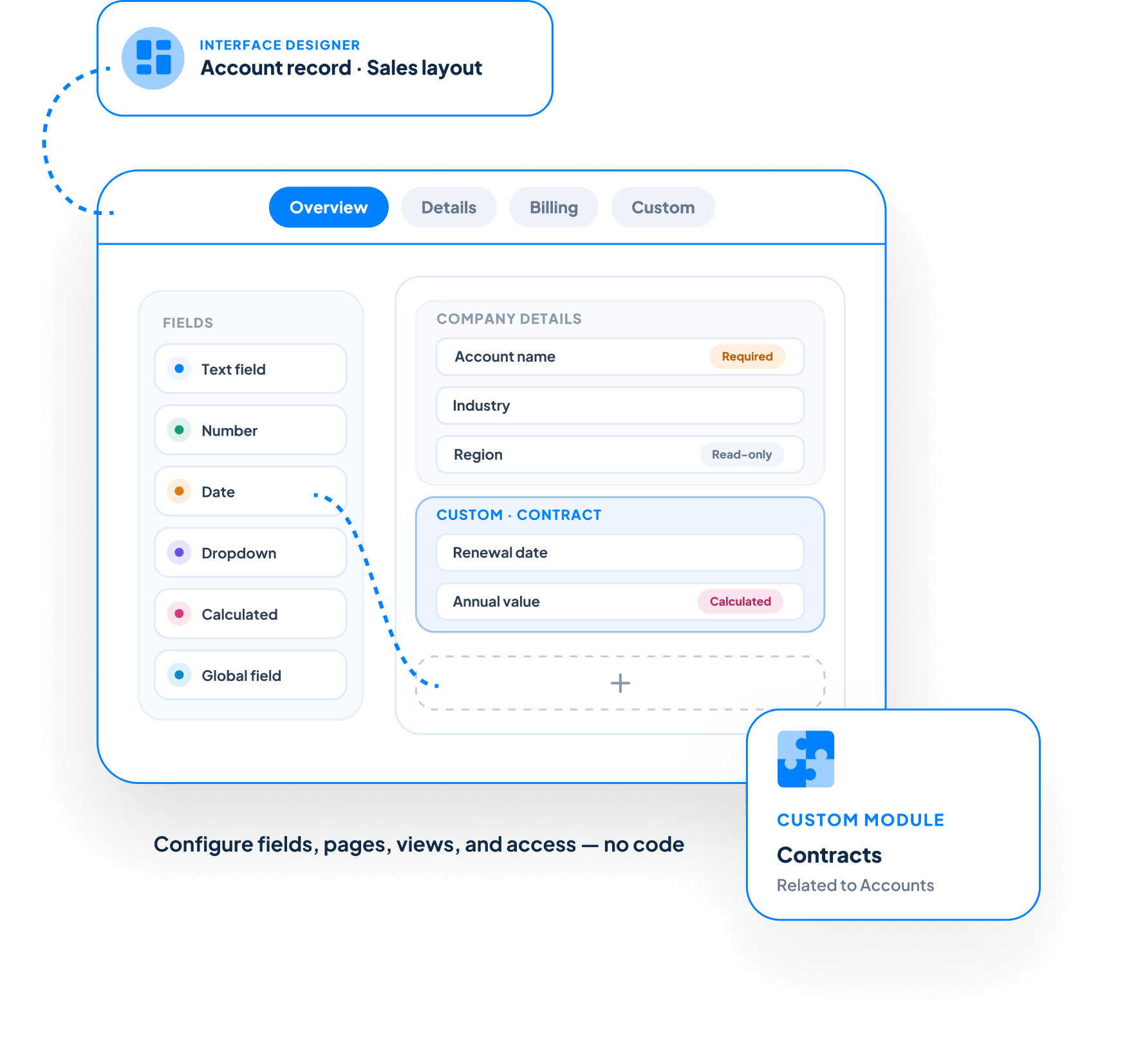

Customize Your CRM Around Your Business
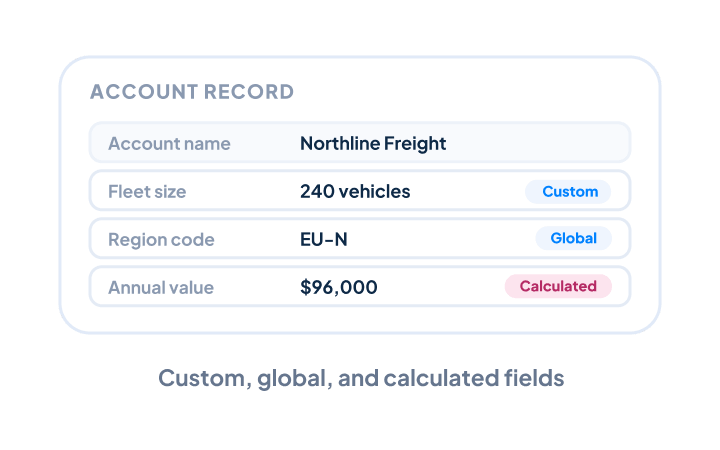
Create the Fields You Need
Capture information that is unique to your business with custom fields. Claritysoft CRM supports custom fields, global fields, and calculated fields, giving your organization flexibility in how information is stored and used throughout the CRM. Rather than trying to fit every business process into standard fields, you can add the data points that are important to your organization.
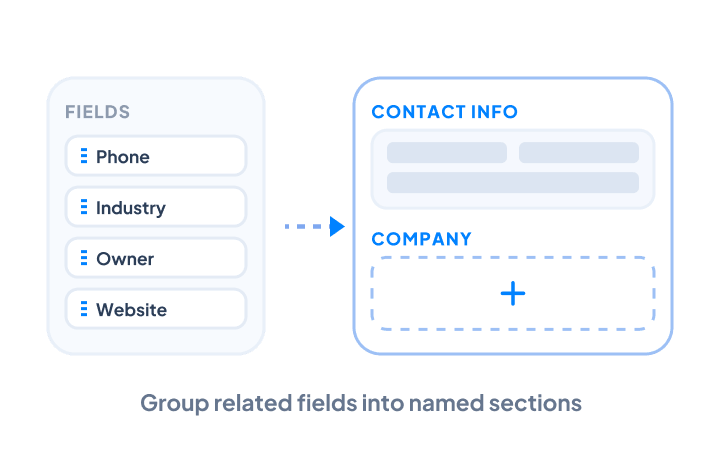
Design Custom CRM Interfaces
Use the Interface Designer to customize how information is presented to your users. Organize fields into sections, name those sections, and group related information together so employees can find the information they need more easily. A well-designed interface can make complex records easier to understand while keeping the information most important to each team readily accessible.
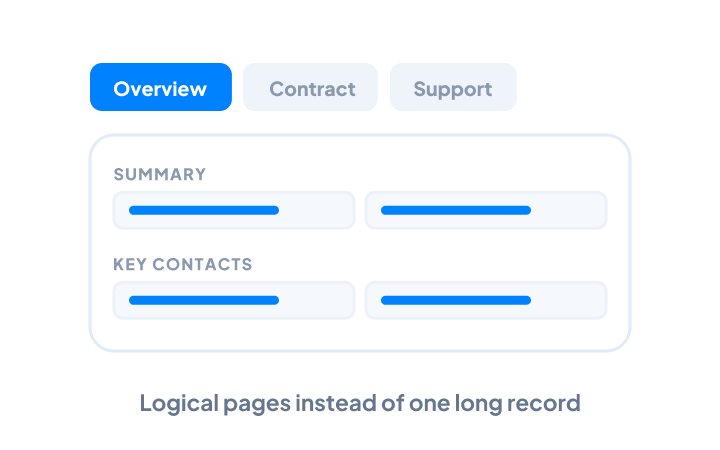
Organize Information Across Multiple Pages
Not every record needs to display every field at once. Claritysoft CRM allows you to create multiple pages for your fields and sections, helping you organize information into logical groups. For example, related information can be separated into different pages rather than creating one long, difficult-to-navigate record interface.
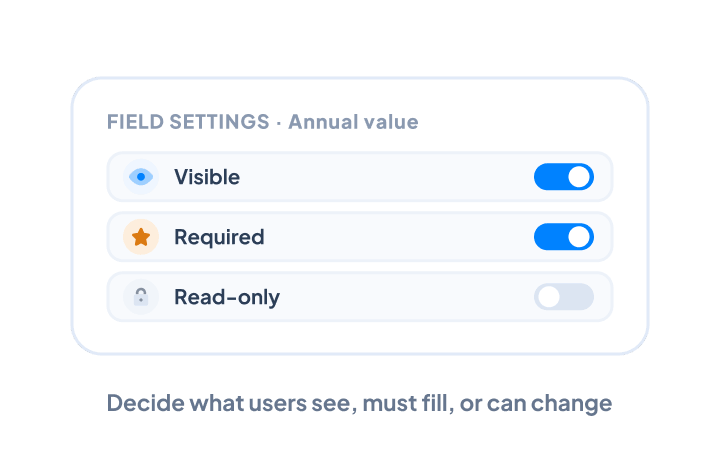
Configure How Fields Work
Control how individual fields behave within your CRM. Field configuration settings allow administrators to define whether fields are: Visible Required Read-only These settings help your organization control which information users see, which information they need to provide, and which fields they can modify.
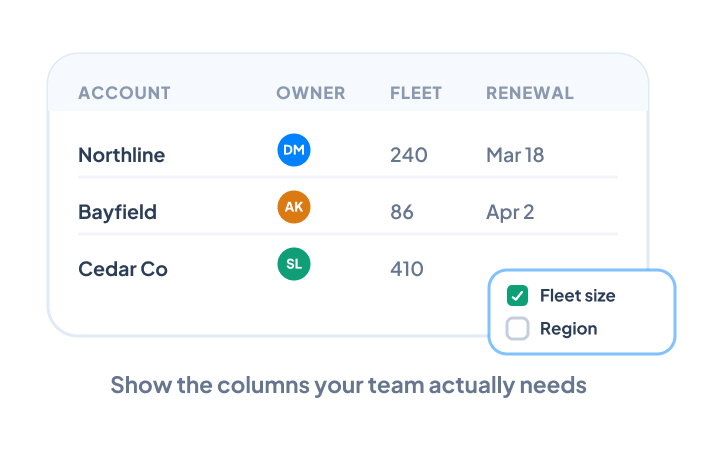
Customize List Views
Configure the columns displayed in CRM list views to focus on the information your team actually needs. Different users and teams may need different information when reviewing records. Customizing list view columns helps employees work with the data most relevant to their responsibilities.
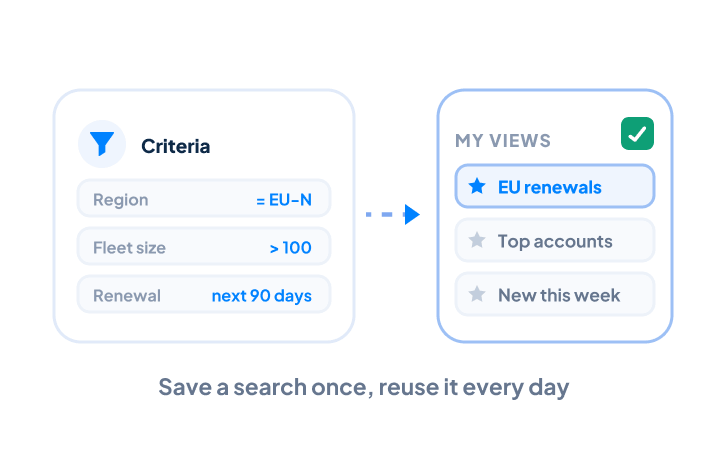
Create Custom Views
Turn frequently used searches into reusable Custom Views. Set your criteria, run the search, and save the results to your custom view list. This makes it easier for employees to return to the records they work with most often without rebuilding the same search repeatedly. Custom views can help teams create focused working lists based on the criteria that matter to their specific processes.
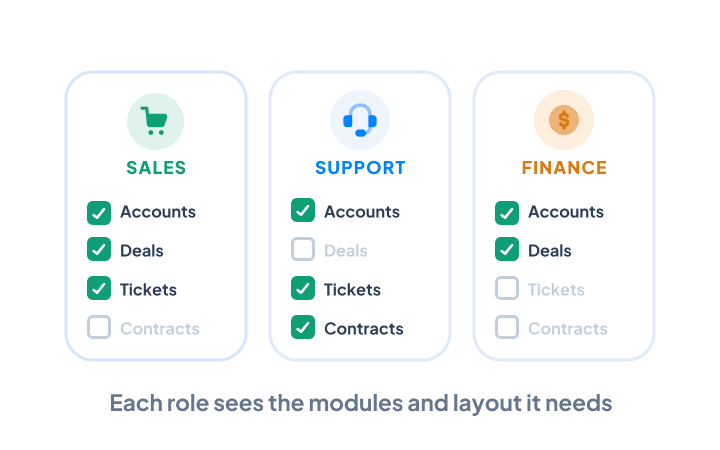
Customize the CRM for Different User Profiles
Different employees do not necessarily need access to the same CRM information or interface. User Profiles allow administrators to determine access to modules and records and assign interface profiles that customize the CRM experience for each user profile. This allows organizations to create a more focused CRM environment for different roles while maintaining centralized control over the system.
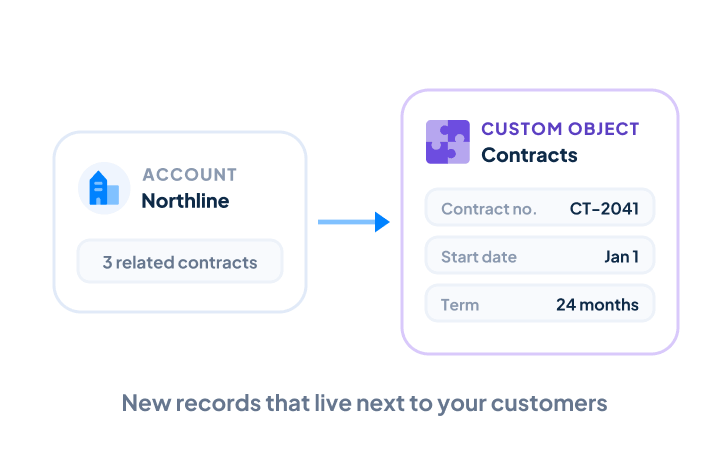
Build Custom Object Modules
When your business needs to track information that does not fit naturally into the standard CRM modules, create a Custom Object Module. Custom objects can be related to Accounts or Contacts, allowing you to extend your CRM around the customer and company relationships already stored in Claritysoft CRM. Create custom fields and custom interfaces for your custom module so the new object works as part of your broader CRM environment.

What Is CRM Customization?
Standard CRM software provides a predefined structure for managing customer information, but every organization has different processes and data requirements. CRM customization software allows businesses to adapt that structure without having to build an entirely separate system.

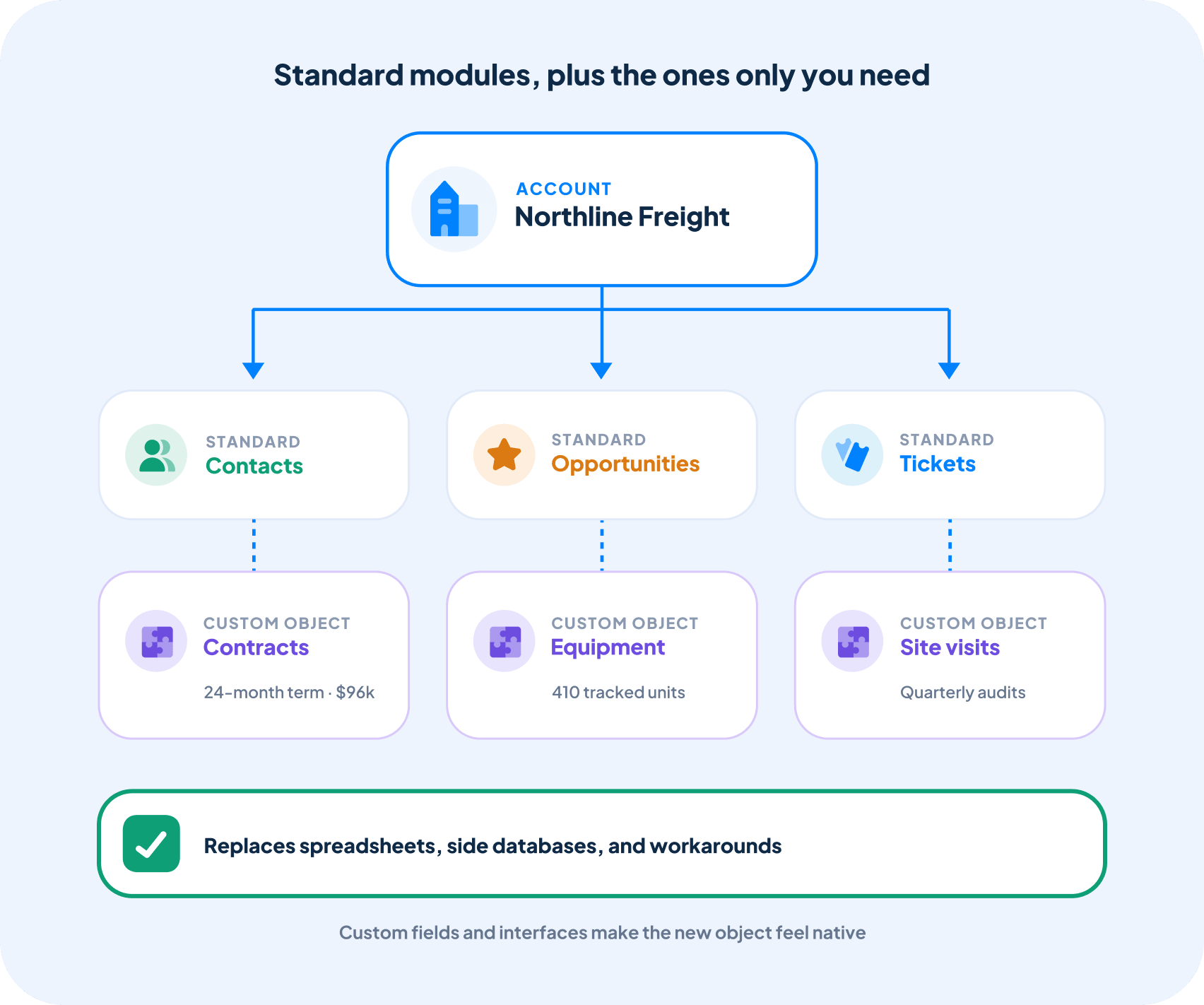
Extend Your CRM Beyond Standard Modules
Every business has information that is specific to its industry, customers, or internal processes.
Custom Object Modules give you a way to add that information to Claritysoft CRM while keeping it connected to Accounts or Contacts.
Combined with custom fields and custom interfaces, this allows your CRM to represent business information that would otherwise require spreadsheets, separate databases, or workarounds.
Built for Growing Businesses
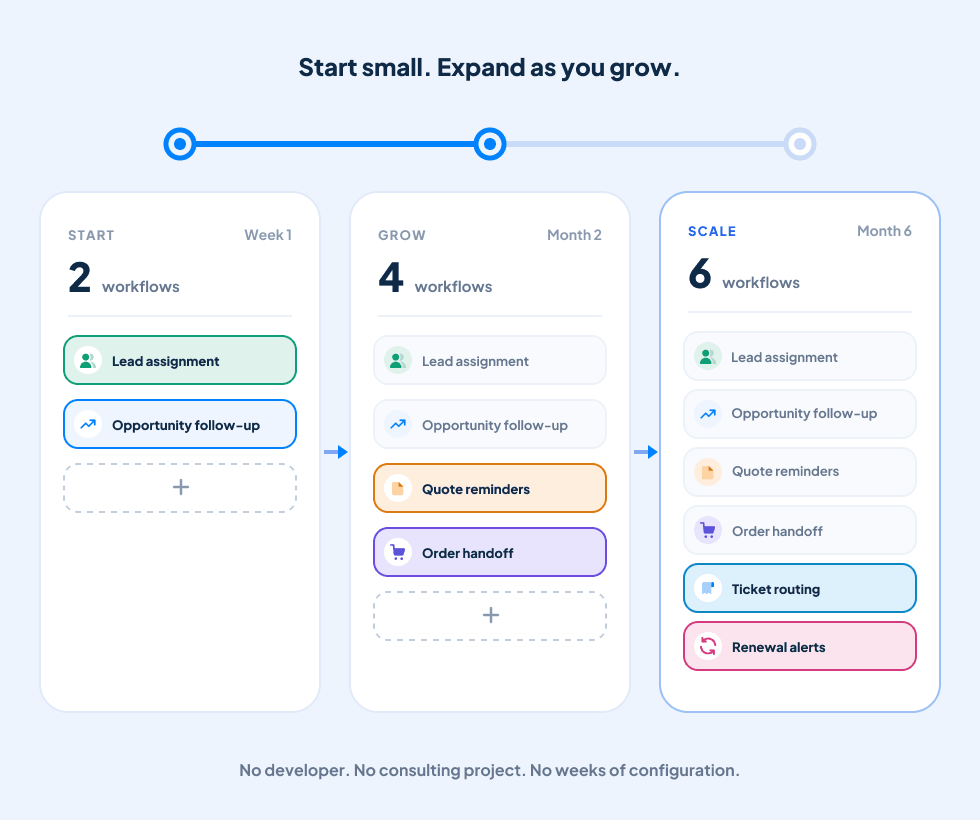
A CRM should adapt as your business changes.
Claritysoft CRM provides customization tools that allow businesses to adjust fields, interfaces, views, user access, and custom modules without being locked into a one-size-fits-all structure.
Whether you need to add a few fields or create an entirely new custom object module, you can configure Claritysoft CRM around the way your organization manages information.
Start with the CRM structure you need today, and customize it as your business evolves.
Explore Related CRM Capabilities
Custom Modules
Create custom object modules for information unique to your business.
User Roles & Permissions
Control access to CRM modules and records for different user profiles.
Account Management
Manage company records that can serve as the foundation for custom objects.
Contact Management
Maintain the individual contacts associated with your custom CRM information.
Workflow Automation
Automate CRM actions based on defined business rules.
CRM Task Management
Manage follow-up work within your customized CRM environment.
Plan Availability
Frequently Asked Questions
What is CRM customization?
Can I create custom fields in Claritysoft CRM?
Can I customize the CRM interface?
Yes. The Interface Designer allows administrators to customize the CRM interface, organize fields into named sections, and create multiple pages for fields and sections.
Can I make fields required or read-only?
Can I customize my CRM list views?
What are Custom Views in Claritysoft CRM?
Can different users have different CRM interfaces?
Can I create custom modules in Claritysoft CRM?
What can Custom Object Modules be related to?
Custom Object Modules can be related to Accounts or Contacts. You can then create custom fields and custom interfaces for the custom module.