
Task Management Software
Never Lose Track of an Important Follow-Up.
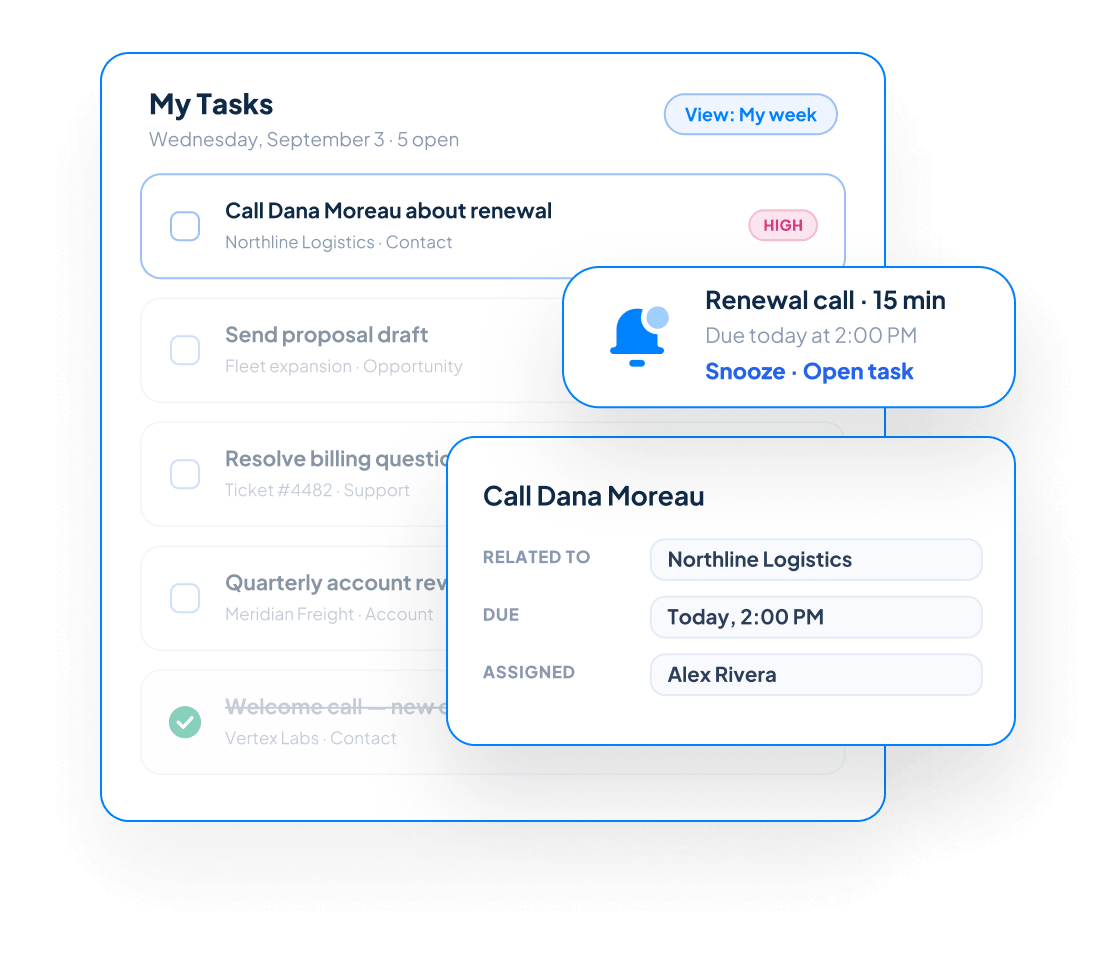

Everything You Need to Stay Organized
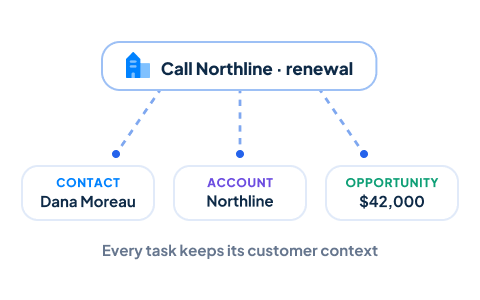
Connect Tasks to Customer Records
Create tasks directly from Contacts, Accounts, Sales Opportunities, and Projects. Every follow-up stays connected to the record that created it, helping employees understand the customer, conversation, or business need behind the task.
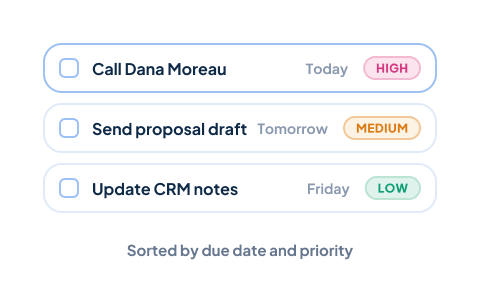
Set Due Dates and Priorities
Give every task a clear due date and priority so employees know what needs attention first. Organized task lists make it easier to balance daily responsibilities and prevent important work from being overlooked.
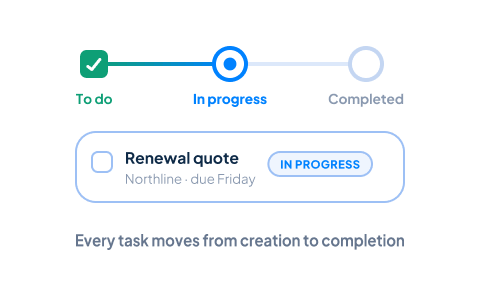
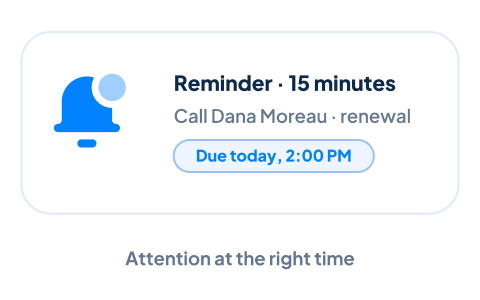
Use Reminders to Stay on Schedule
Set reminders for important follow-ups and deadlines so tasks receive attention at the right time. Employees can focus on their work without relying entirely on memory or personal notes.
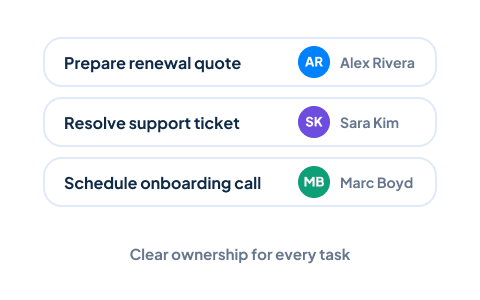
Assign Tasks to Team Members
Assign tasks to the appropriate employee and establish clear ownership for every responsibility. Managers and coworkers can quickly see who is handling the work, improving accountability across sales, service, support, and operations teams.
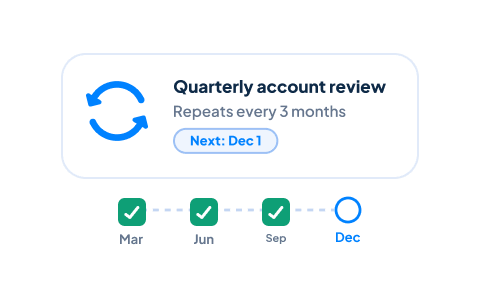
Create Recurring Tasks
Schedule repeating tasks for routine responsibilities such as customer check-ins, account reviews, renewals, administrative work, or ongoing follow-up. Recurring tasks help your team maintain consistent processes without recreating the same task each time.
Track Task Status
Follow each task from creation through completion using clear statuses. Employees can see what has not started, what is in progress, and what has been completed, while managers gain better visibility into outstanding work.
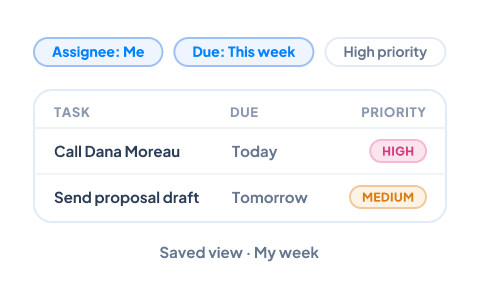
Create Personalized Task Views
Organize task lists around the work most relevant to each employee. Filter by assignee, due date, status, priority, related customer, or other criteria to quickly identify what should be handled next.
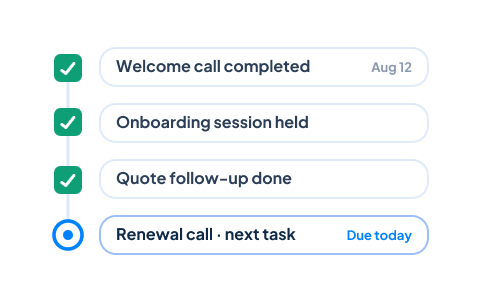
Maintain a Complete Follow-Up History
Completed tasks remain part of the related customer or business record. Your team can review previous follow-ups, understand what was accomplished, and see the history behind the next customer interaction.

What Is CRM Task Management?
Unlike a standalone task application, CRM task management software keeps each follow-up tied to the Contact, Account, Sales Opportunity, or Project it supports. This gives employees the context they need before completing the work.


See Every Task in the Context of Your Day
Tasks tell your team what needs to be done. The CRM Calendar shows when. Tasks with due dates sit alongside meetings, calls, and appointments, so employees can plan realistic days and managers can see the team’s schedule at a glance.
- Tasks and meetings in one shared view
- Every appointment linked to its Contact, Account, or Opportunity
- Day, week, and month views for every team member
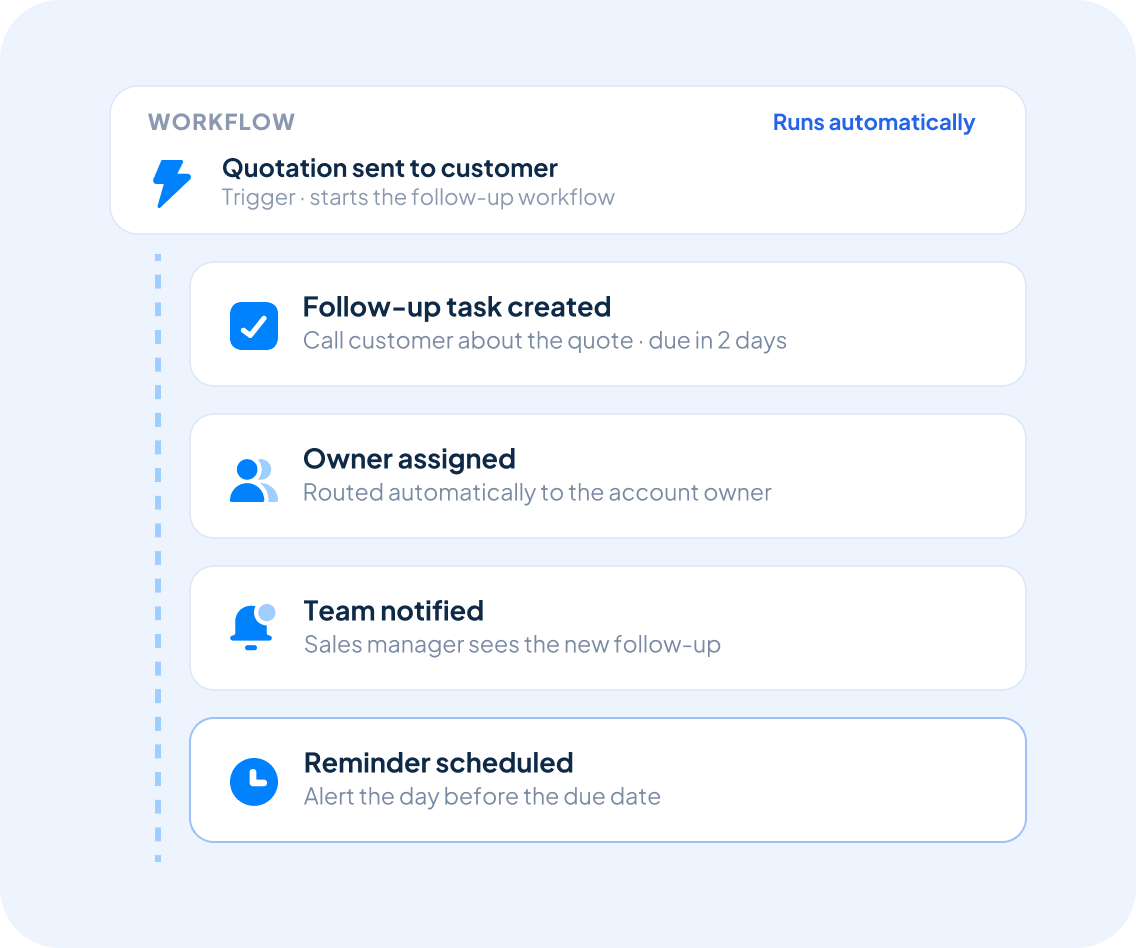
Automate Your Follow-Up Process
Create consistent follow-up without relying on employees to remember every step.
With Workflow Automation, Claritysoft CRM can create tasks when defined business events occur—such as when an opportunity changes stages, a quotation is sent, or another record reaches an important point in your process.
Automated tasks, assignments, notifications, and reminders help your team respond consistently while reducing repetitive administrative work.
Built for Growing Businesses
Growing businesses do not need another disconnected application for managing daily responsibilities. They need customer-related work to remain connected to the CRM.
Task Management is a core capability of Claritysoft CRM, giving small and midsize businesses a practical way to organize follow-up, assign responsibilities, and improve accountability across the organization.
Employees spend less time searching for customer information and more time completing the work that moves relationships forward.
Explore Related CRM Capabilities
Contact Management
Create follow-up tasks connected to individual customer relationships.
Account Management
Assign work related to companies and customer organizations.
Sales Pipeline Management
Schedule the next action needed to move each opportunity forward.
CRM Project Management
Organize project responsibilities, deadlines, and deliverables.
Support Ticket Management
Create and track work needed to resolve customer issues.
Calendar and Scheduling
Coordinate tasks with meetings, appointments, and important dates.
Plan Availability
Included with Core and Complete.
Workflow Automation and automated task creation are available in the Complete plan.
Frequently Asked Questions
What is CRM task management?
Can I assign tasks to other team members?
What is the difference between a task and an activity?
A Task is work that still needs to be completed, such as calling a customer or preparing a proposal. An Activity records an interaction or action, such as a completed call, meeting, email, or task. Together, they show both what needs to happen and what has already occurred.
Can I create recurring tasks?
Can tasks be connected to customer and sales records?
Ready to Stay on Top of Every Follow-Up?
Keep tasks organized, improve accountability, and make sure important customer work never falls through the cracks with Claritysoft CRM.