
Contact Management Software
Every Contact. Every Conversation. Every Relationship - Organized.
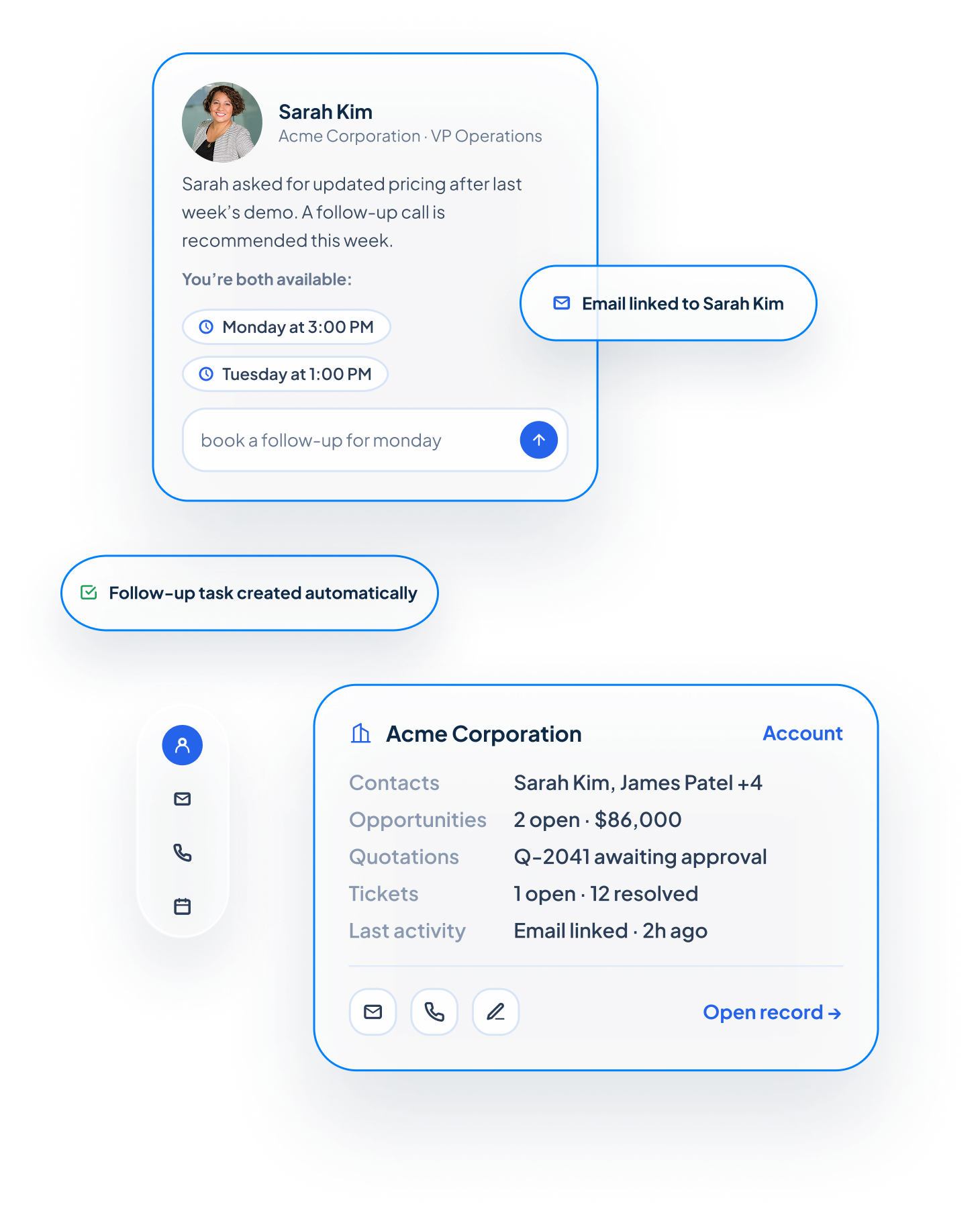

Everything You Need to Organize Customer Relationships
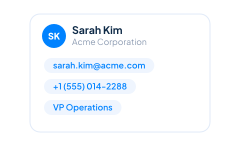
Centralized Contact Records
Every business tracks different information. Add custom fields, sections, and layouts to capture the details that matter most to your organization without forcing your team into a rigid record structure.
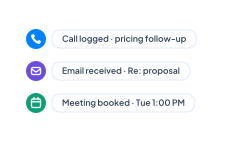
Complete Communication History
Every phone call, email, meeting, note, task, and follow-up becomes part of the contact’s history. Before reaching out, your team can quickly review previous conversations and continue the relationship with the right context.
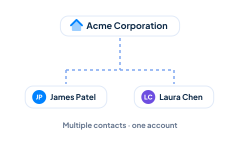
Linked Company Accounts
Connect each contact to the company or organization they work for through Account Management. Multiple contacts can be associated with the same account while maintaining their own contact details, responsibilities, and communication history.
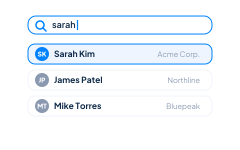
Fast Search and Personalized Views
Find the right people quickly using search, filters, and personalized contact views. Search by name, company, email address, phone number, custom fields, or other criteria to focus on the contacts most important to you.
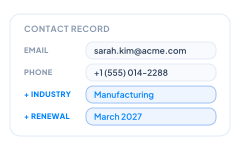
Custom Contact Records
Every business tracks different information. Add custom fields, sections, layouts to capture the details that matter most to your organization without forcing your team into a rigid record structure.
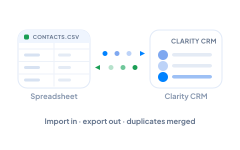
Import, Export, and Duplicate Management
Import existing contacts from spreadsheets or other systems, export information when needed, and identify duplicate records to maintain a clean and reliable customer database.
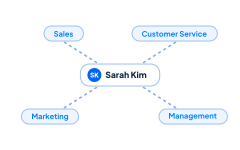
Shared Customer Context
Give authorized employees access to the same contact information so sales, customer service, marketing, and management can work from one consistent record. Everyone can see what has happened, who is involved, and what should happen next.
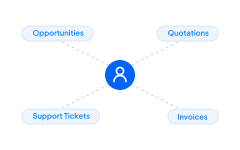
Connected Customer Relationships
A contact record is much more than a digital address book. From one place, your team can review related Sales Opportunities, create Quotations, track calls and meetings through Activity Management, monitor Support Tickets, and view connected Sales Orders, Invoices, and Projects.

What is Contact Management?
Contact management is the process of organizing information about the people your business communicates with—including customers, prospects, vendors, partners, and other business relationships—in one centralized system.
Instead of searching through spreadsheets, emails, or handwritten notes, everyone works from the same up-to-date customer record. Each contact remains connected to opportunities, activities, quotations, support tickets, projects, invoices, and other customer information, giving your team a complete picture of every relationship.

Everything You Need to Organize Customer Relationships
Centralized Contact Records
Store names, email addresses, phone numbers, job titles, mailing addresses, and other important details in one easy-to-manage record. Everyone on your team works from the same customer information, improving communication and reducing duplicate work.
Complete Communication History
Every phone call, email, meeting, note, task, and follow-up becomes part of the contact’s history. Before reaching out, your team can quickly review previous conversations and continue the relationship with the right context.
Linked Company Accounts
Connect each contact to the company or organization they work for through Account Management. Multiple contacts can be associated with the same account while maintaining their own contact details, responsibilities, and communication history.
Fast Search and Personalized Views
Find the right people quickly using search, filters, and personalized contact views. Search by name, company, email address, phone number, tags, custom fields, or other criteria to focus on the contacts most important to you.
Custom Contact Records
Every business tracks different information. Add custom fields, sections, layouts, and tags to capture the details that matter most to your organization without forcing your team into a rigid record structure.
Import, Export, and Duplicate Management
Import existing contacts from spreadsheets or other systems, export information when needed, and identify duplicate records to maintain a clean and reliable customer database.
Shared Customer Context
Give authorized employees access to the same contact information so sales, customer service, marketing, and management can work from one consistent record. Everyone can see what has happened, who is involved, and what should happen next.
Connected Customer Relationships
A contact record is much more than a digital address book. From one place, your team can review related Sales Opportunities, create Quotations, track calls and meetings through Activity Management, monitor Support Tickets, and view connected Sales Orders, Invoices, and Projects.
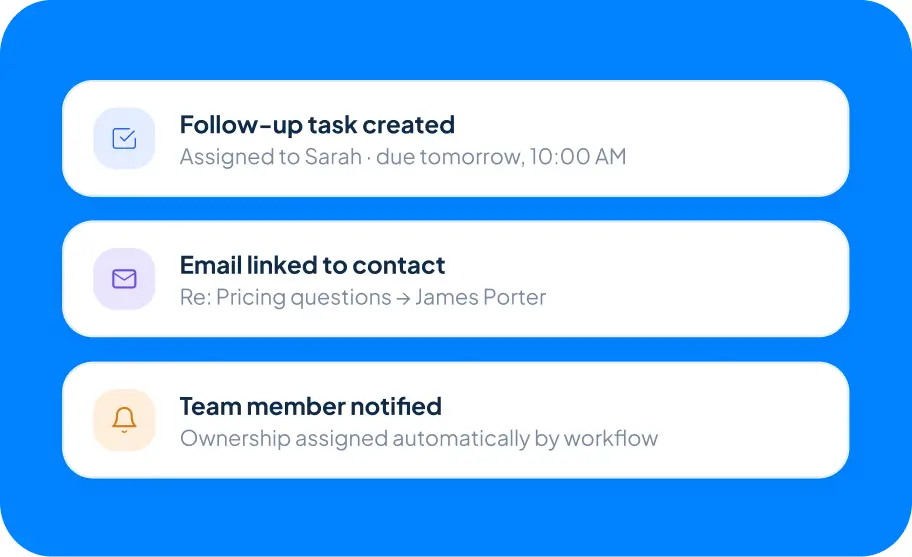
Automate Customer
Follow-Up
Reduce repetitive work while making sure important customer interactions receive the attention they need.
With Workflow Automation, Claritysoft CRM can create follow-up tasks, notify team members, assign ownership, and support consistent customer processes. When combined with Email Integration, incoming and outgoing emails can be associated with the appropriate contact record, helping your team maintain a more complete communication history with less manual data entry.
Built for Growing Businesses
Growing businesses need more than a place to store names and phone numbers. They need a reliable source for every customer relationship.
Contact Management is one of the core capabilities of Claritysoft CRM, giving small and midsize businesses a practical way to keep customer information accurate, accessible, and connected. Your team can get started quickly, customize contact records to fit the way you work, and continue adapting the platform as your business grows.
Explore Related CRM Capabilities
Account Management
Organize the companies and organizations your contacts belong to.
Sales Pipeline Management
Track opportunities involving each contact.
Activity Management
Keep calls, emails, meetings, and follow-up tasks connected.
Lead Management
Convert qualified prospects while preserving important information.
Support Ticket Management
Track customer questions, issues, and resolutions.
Quotation Management
Create professional quotations using existing customer information.
Plan Availability
Workflow Automation and certain related capabilities are available in the Complete plan.
Frequently Asked Questions
What is contact management in a CRM?
Contact management is the process of organizing information about the people your business communicates with. Claritysoft CRM stores contact details, communication history, activities, and related customer records in one centralized location.
What is the difference between a Contact and an Account?
A Contact represents an individual person, while an Account represents the company or organization they work for. Multiple contacts can belong to the same account, allowing your team to manage both company-level and individual relationships.
What is the difference between a Lead and a Contact?
A Lead is a prospective customer who has not yet been qualified. Once qualified, the lead can be converted into a Contact while preserving the information collected during the qualification process.
Can I import my existing contacts into Claritysoft CRM?
Yes. Claritysoft CRM allows you to import contact records from spreadsheets and other systems, helping your team migrate existing customer information into one organized database.
Can multiple employees work with the same contact?
Yes. Authorized users can access the same contact record, allowing sales, customer service, management, and other teams to collaborate using one shared source of customer information.