
CRM Calendar & Scheduling Software
Every Meeting. Every Appointment. Every Follow-Up—Connected.
Calendar and Scheduling in Claritysoft CRM helps your team organize meetings, calls, appointments, and other scheduled activities while keeping each event connected to the customers, companies, opportunities, projects, and support requests it relates to.
Instead of switching between applications, employees can review customer history, schedule the next interaction, and manage upcoming commitments from one connected CRM.
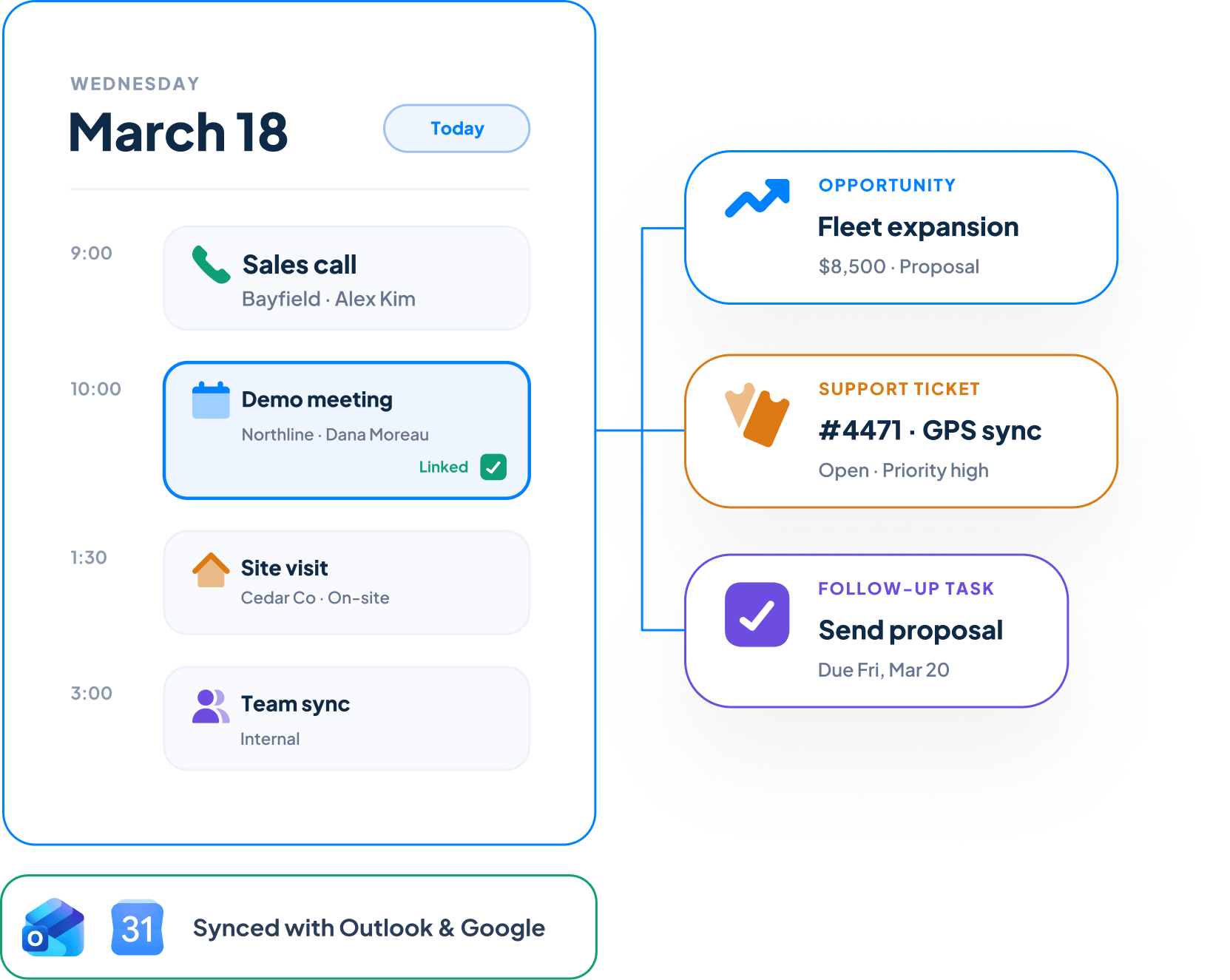

Everything You Need to Stay Scheduled and Organized
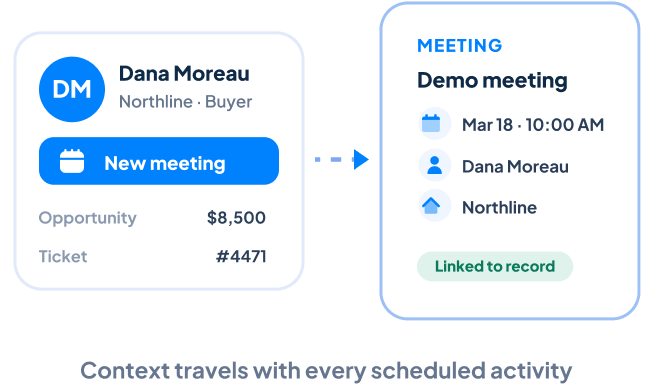
Schedule Meetings From Customer Records
Create meetings, calls, and appointments directly from Contacts, Accounts, Sales Opportunities, Projects, and Support Tickets. Each scheduled activity stays connected to the record that created it, giving employees the context they need before every interaction.
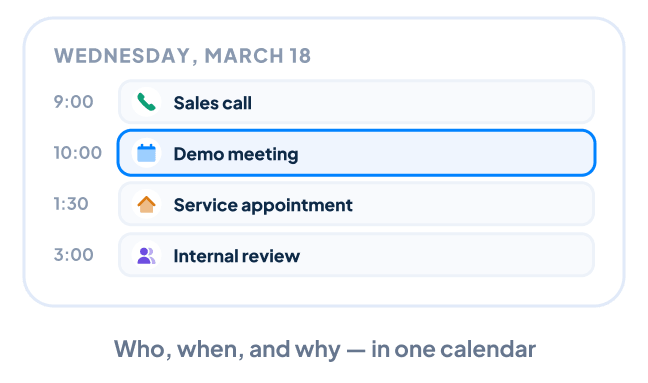
Manage Calls and Appointments
Organize sales calls, customer meetings, service appointments, internal discussions, and other scheduled commitments in one centralized calendar. Clear dates, times, attendees, and related records help everyone understand what is happening and why.

Coordinate With a Shared Team Calendar
Give employees visibility into team meetings, customer appointments, and other scheduled activities. A shared calendar makes it easier to coordinate responsibilities, understand availability, and avoid unnecessary scheduling conflicts.
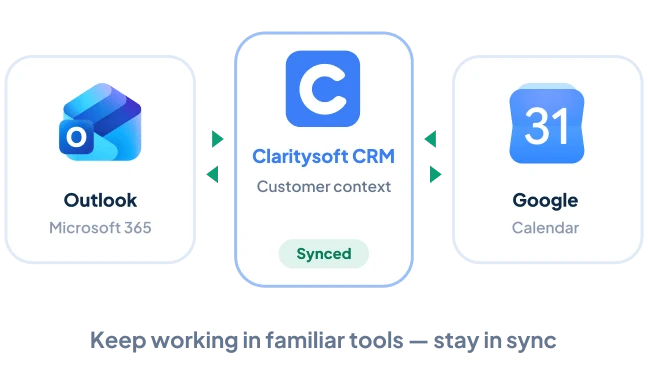
Synchronize With Outlook and Google Calendar
Keep Claritysoft CRM synchronized with the calendar platforms your team already uses, including Microsoft Outlook, Microsoft 365, and Google Calendar. Employees can continue working with familiar scheduling tools while maintaining customer context and activity history inside Claritysoft CRM.
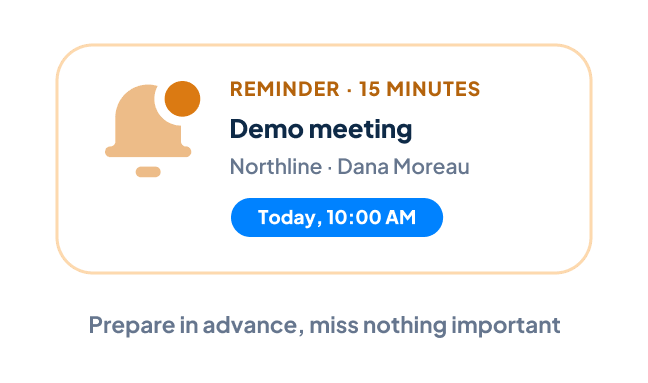
Use Reminders to Stay on Schedule
Set reminders for upcoming meetings, calls, appointments, and customer commitments. Timely notifications help employees prepare in advance and reduce the risk of important interactions being missed.

Create Personalized Calendar Views
Organize the calendar around the information most relevant to each employee. View activities by user, team, date, type, customer, or other criteria to quickly understand upcoming commitments.
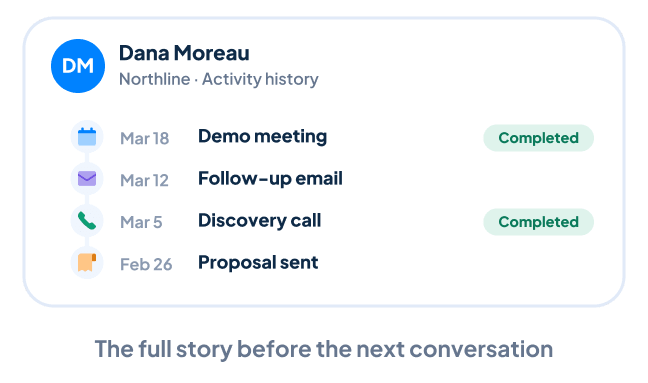
Review Complete Meeting History
Completed meetings remain part of the related customer record. Your team can review previous appointments alongside calls, emails, notes, and completed tasks to understand the full history before the next conversation.
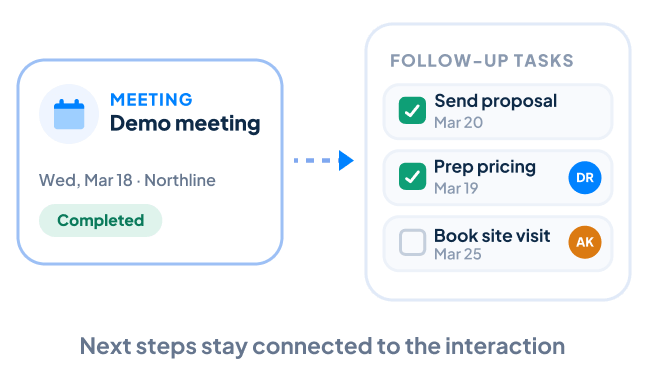
Connect Meetings With Follow-Up Tasks
A meeting often creates additional work. Use CRM Task Management to schedule preparation, assign next steps, and create follow-up responsibilities that remain connected to the customer interaction.

What Is CRM Calendar and Scheduling?
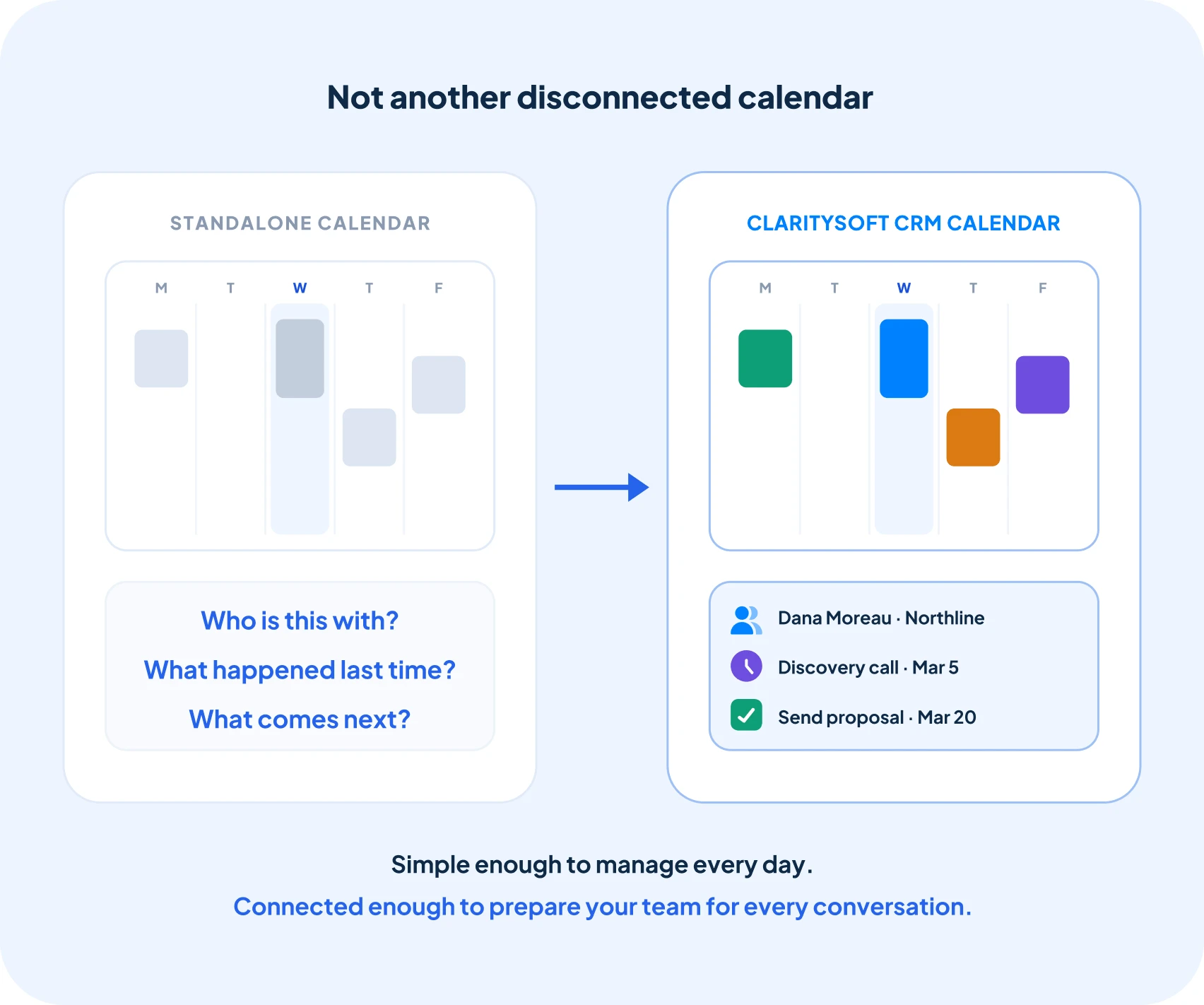
Unlike a standalone calendar, CRM calendar and scheduling software keeps each event connected to the Contact, Account, Sales Opportunity, Project, or Support Ticket it supports. Before a meeting, employees can review the customer relationship, previous conversations, and related work without searching through separate applications.
This gives your team a clear view of what is coming next while preserving a complete history of every customer interaction.

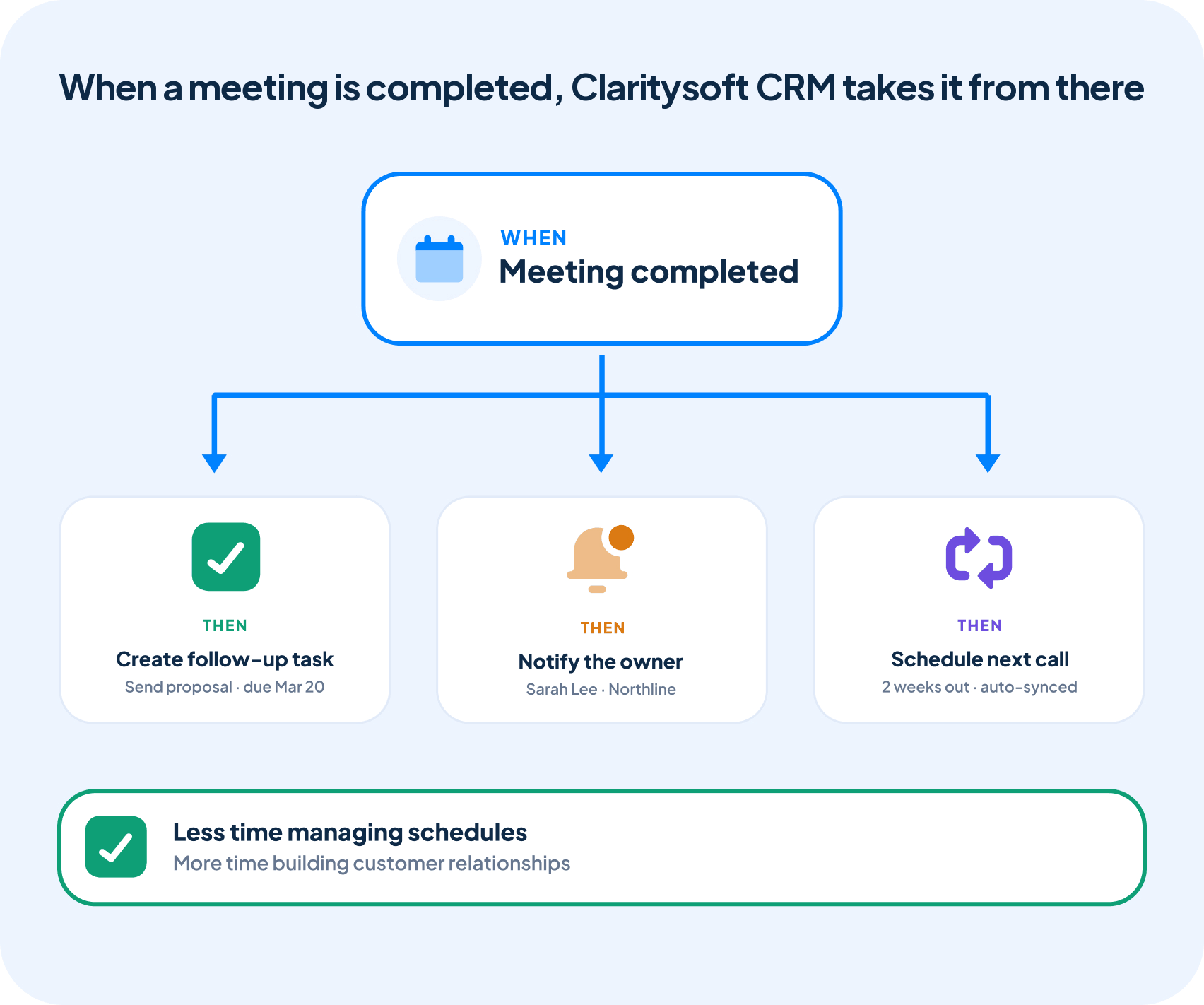
Automate Your Scheduling and Follow-Up
Stay ahead of important appointments without relying entirely on manual reminders.
With Workflow Automation, Claritysoft CRM can support repeatable processes around scheduled activities, such as creating follow-up tasks, notifying employees, or triggering actions when important events occur.
Combined with calendar synchronization, automated reminders and follow-up processes help your team spend less time managing schedules and more time building customer relationships.
Built for Growing Businesses
Growing businesses do not need another disconnected calendar. They need meetings and appointments to remain part of the customer relationship.
Calendar and Scheduling is a core capability of Claritysoft CRM, giving small and midsize businesses a practical way to coordinate customer interactions, manage team commitments, and preserve the history behind every meeting.
Employees can continue using familiar calendar tools while gaining the customer context that a standalone calendar cannot provide.
Explore Related CRM Capabilities
Contact Management
Schedule meetings and calls with individual customers and prospects.
Account Management
Coordinate appointments involving customer organizations.
Sales Pipeline Management
Keep meetings connected to active sales opportunities.
CRM Task Management
Assign preparation, next steps, and follow-up responsibilities.
CRM Project Management
Schedule project meetings, milestones, and delivery activities.
Support Ticket Management
Coordinate customer service calls and appointments.
Plan Availability
Included with Core and Complete.
Workflow Automation and advanced automated follow-up processes are available in the Complete plan.
Frequently Asked Questions
What is CRM calendar and scheduling?
Does Claritysoft CRM synchronize with Outlook and Google Calendar?
Yes. Claritysoft CRM supports calendar synchronization with Microsoft Outlook, Microsoft 365, and Google Calendar, helping employees keep schedules current across the tools they use.
Can I schedule a meeting from a contact record?
Can employees view each other’s schedules?
What is the difference between a calendar event and a task?
A calendar event is an activity scheduled for a specific date and time, such as a meeting, call, or appointment. A task is work that needs to be completed, such as preparing a proposal or following up after a meeting. Both can remain connected to the appropriate customer record.
Ready to Keep Every Meeting Connected?
Schedule meetings, coordinate appointments, and give your team the context they need before every customer interaction with Claritysoft CRM.