
Quote Management Software
Turn Sales Opportunities Into Professional Quotes—Faster.
Quote Management in Claritysoft CRM lets your team create professional quotations directly from the sales opportunity using customer, contact, product, and pricing information already stored in your CRM.
Prepare polished proposals, maintain accurate pricing, track every revision, and keep the entire quoting process connected from the original opportunity through the completed sale.
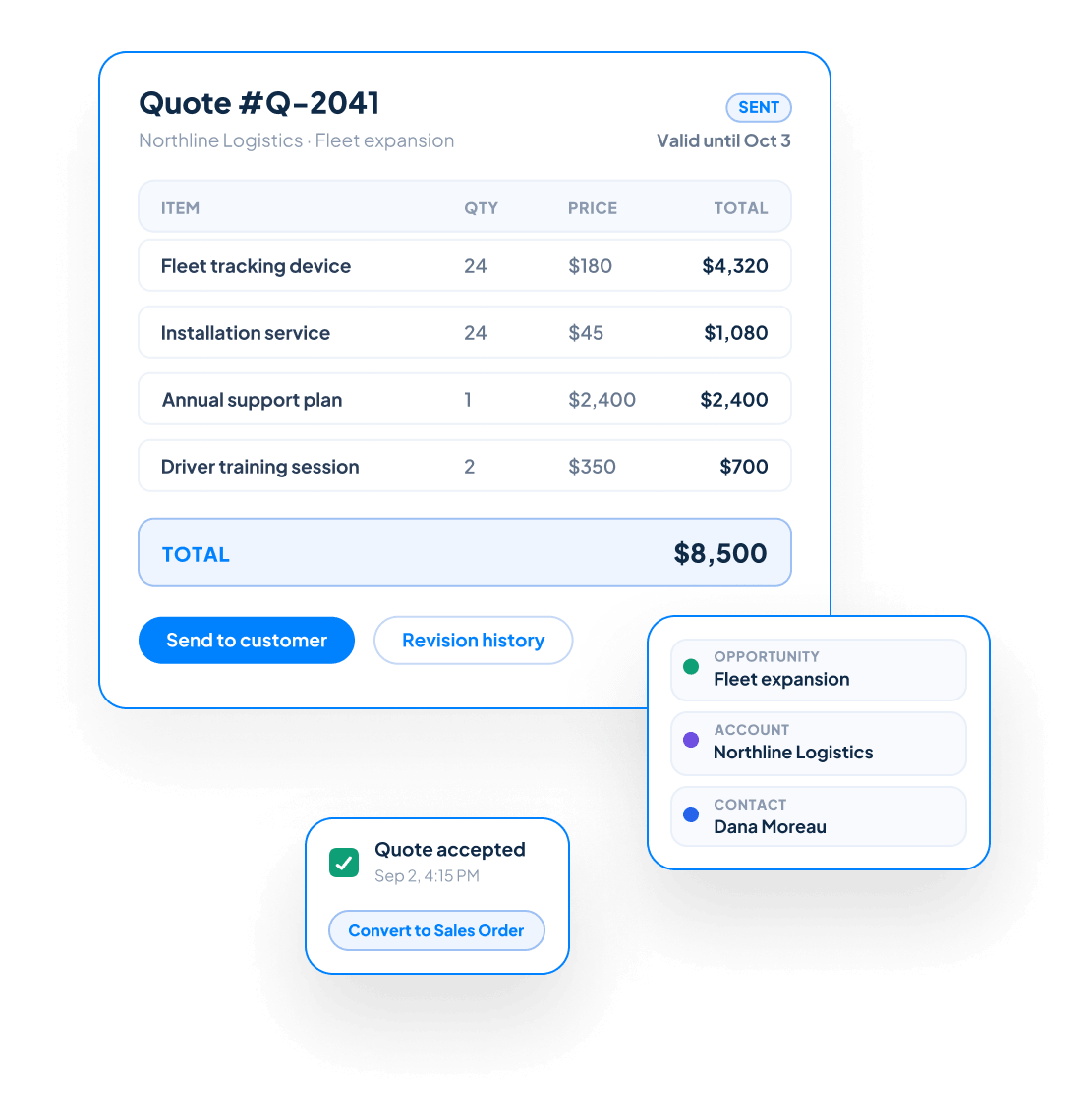

Everything You Need to Create Professional Quotes
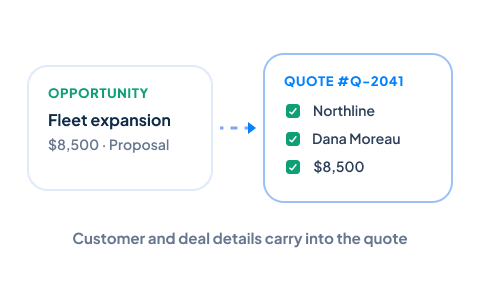
Generate Quotes From Sales Opportunities
Create a quotation directly from an opportunity in your Sales Pipeline. Customer and deal information carries into the quote, reducing duplicate data entry and ensuring the proposal remains connected to the opportunity it supports.
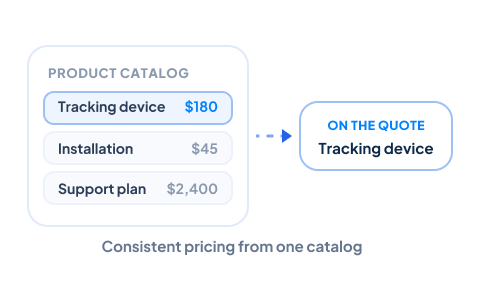
Build Quotes From Your Product Catalog
Add products and services from a centralized catalog so your team can quote from consistent descriptions, pricing, and other product information. This helps reduce errors and makes it easier for salespeople to prepare accurate proposals.
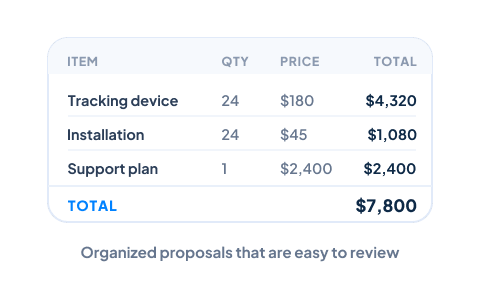
Create Detailed Quote Line Items
Clearly present the products and services being offered with individual line items, descriptions, quantities, pricing, and other relevant details. Your prospects receive an organized proposal that is easy to understand and review.
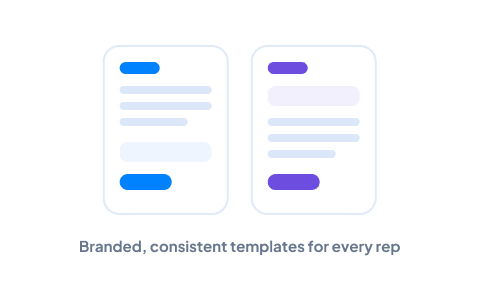
Use Professional Quote Templates
Create consistent, branded quotations using customizable templates. Standardized layouts help every salesperson present a polished, professional image while reducing the time required to format each proposal.
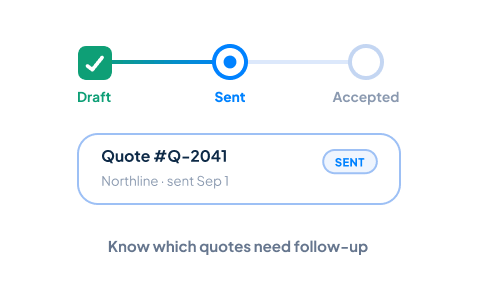
Track Quote Status
Monitor every quotation as it moves through stages such as Draft, Sent, Accepted, Declined, or Expired. Clear status tracking helps your team understand which quotes require follow-up and which opportunities are ready for the next step.
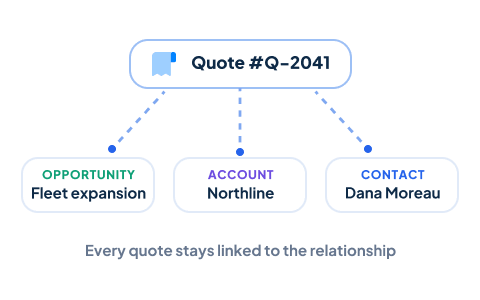
Keep Every Quote Connected
Each quotation remains linked to the appropriate Opportunity, Account, and Contacts. Your team can review the customer relationship, previous activities, and sales history without searching through separate applications or disconnected documents.
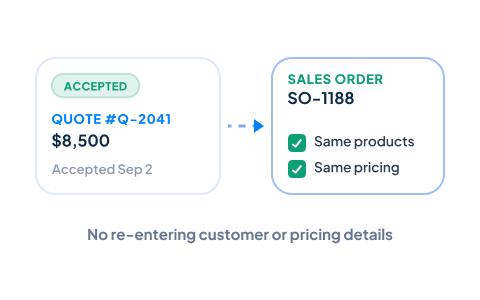
Convert Accepted Quotes Into Sales Orders
When a customer accepts a quotation, convert it into a Sales Order without re-entering customer, product, or pricing information. This creates a smoother transition from proposal to fulfillment while helping maintain accurate records throughout the process.
Convert Accepted Quotes Into Sales Orders
When a customer accepts a quotation, convert it into a Sales Order without re-entering customer, product, or pricing information. This creates a smoother transition from proposal to fulfillment while helping maintain accurate records throughout the process.

What Is Quote Management?
As the sale progresses, the quotation remains connected to the complete customer relationship and can be converted into a Sales Order after it is accepted.

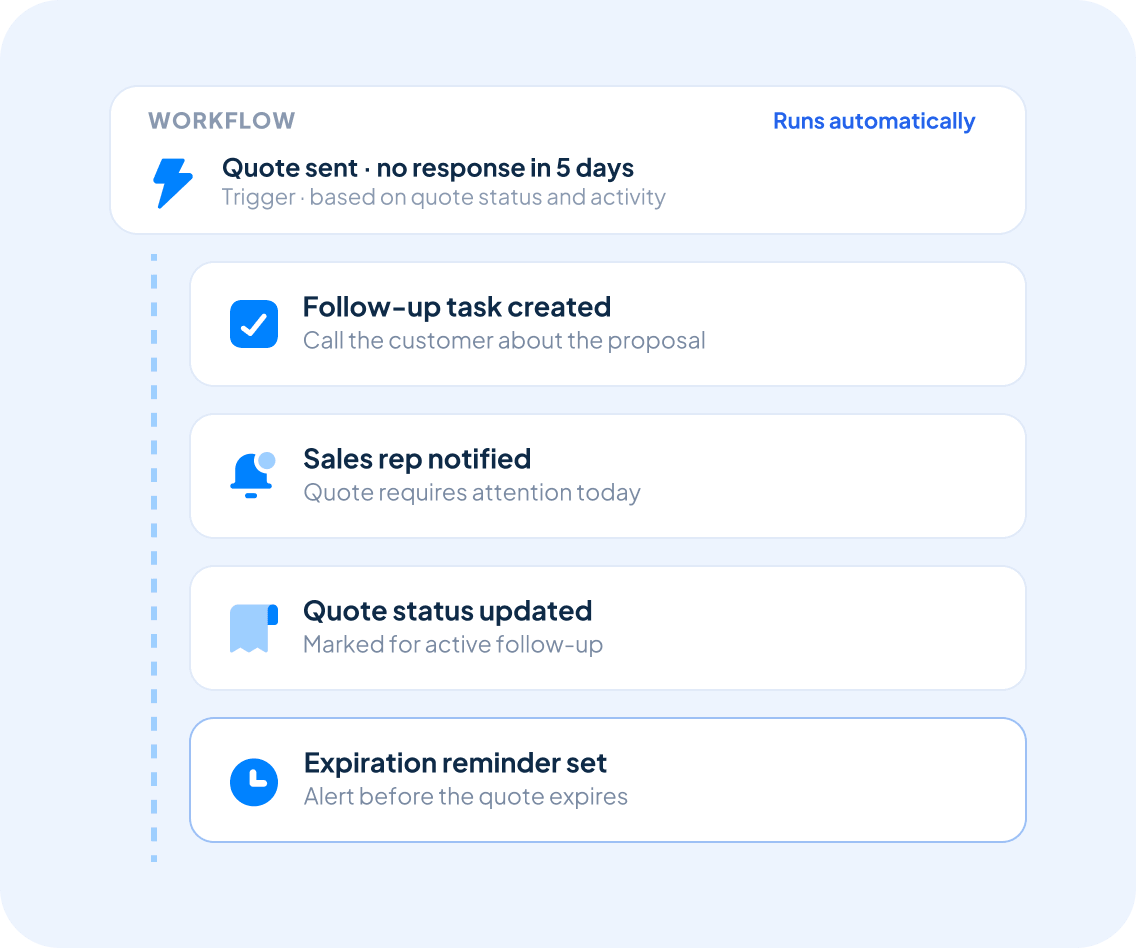
Automate Quote Follow-Up
Keep quotations moving without relying entirely on manual reminders.
With Workflow Automation, Claritysoft CRM can create follow-up tasks, notify sales representatives when a quote requires attention, and trigger workflow actions based on quote status or activity.
Automated follow-up helps your team remain responsive, reduce administrative work, and prevent promising proposals from being forgotten.
Built for Growing Businesses
Growing businesses need to create professional quotations without rebuilding information that already exists in their CRM.
Quote Management is part of the Claritysoft CRM platform, giving small and midsize sales teams a practical way to prepare accurate proposals, maintain consistent pricing, and keep every quote connected to the sales process.
Your team can respond to prospects faster, reduce avoidable errors, and provide a more professional buying experience without adding another disconnected application.
Explore Related CRM Capabilities
Sales Pipeline Management
Create quotations directly from active sales opportunities.
Account Management
Pull company information into each customer proposal.
Contact Management
Keep quotations connected to the people involved in the buying decision.
Product Management
Maintain consistent product, service, description, and pricing information.
Sales Order Management
Convert accepted quotations into confirmed customer orders.
Workflow Automation
Create reminders and consistent quote follow-up processes.
Plan Availability
Available in Complete.
Quote Management, Sales Order Management, and Workflow Automation are included with the Complete plan.
Frequently Asked Questions
What is quote management in a CRM?
Can I create a quote directly from a sales opportunity?
Can I convert a quote into a sales order?
What is the difference between a quote and a sales order?
A Quote is a proposal outlining products, services, pricing, and terms for a prospective customer. A Sales Order represents a confirmed purchase after the customer has accepted the proposal.