
Sales Forecasting Software
Forecast Sales Using the Opportunities Already in Your CRM
Sales Forecasting in Claritysoft CRM gives your team a practical way to understand expected sales by using the opportunities and quotations already managed in your CRM. See where opportunities stand, understand what is moving through the pipeline, and use reports, charts, and dashboards to visualize your forecast.
With your sales pipeline, quotations, and forecasting information connected in one system, sales managers can spend less time compiling data and more time understanding what the pipeline says about future sales.
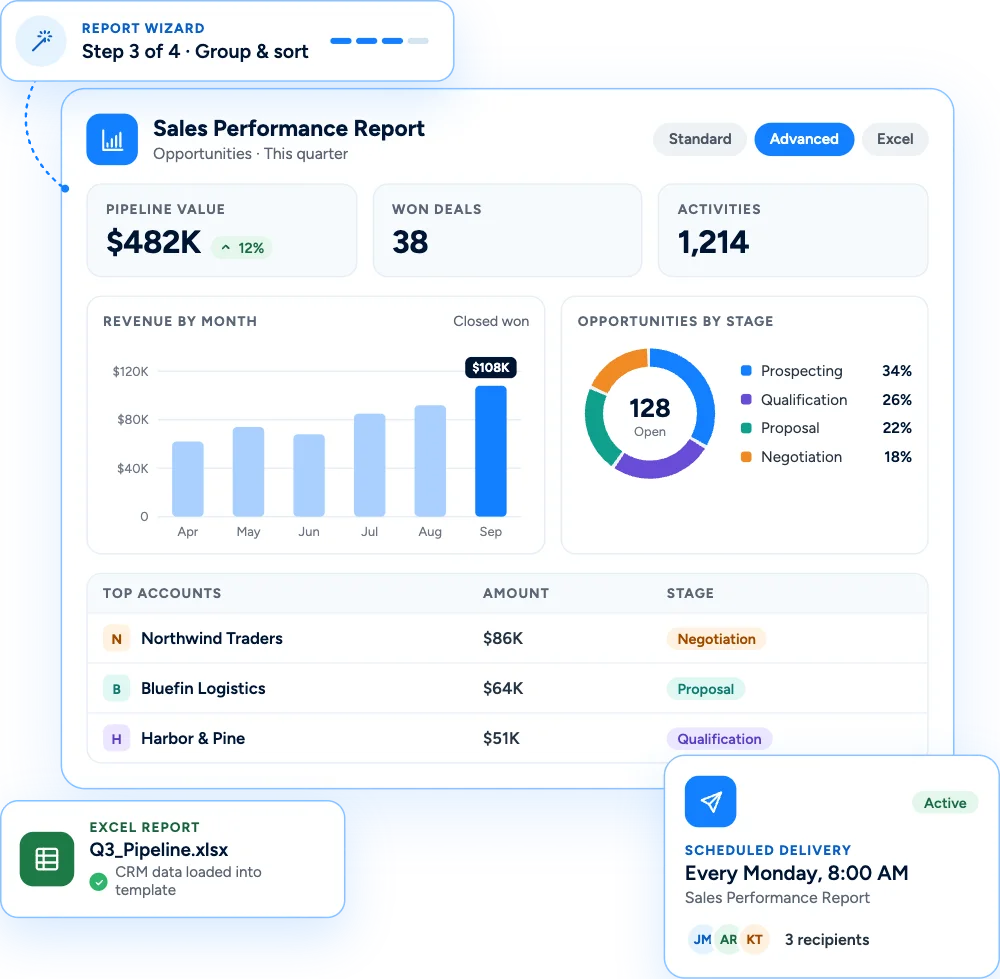

Everything You Need to Forecast Sales
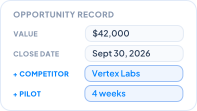
Forecast from Your Opportunities
Your opportunities contain the information your team needs to understand what may become future sales. Claritysoft CRM allows you to use Opportunities for sales forecasting, giving your team visibility into the deals currently moving through the pipeline. Instead of maintaining a separate forecasting system, your forecast can be based on the sales opportunities already being managed in your CRM.
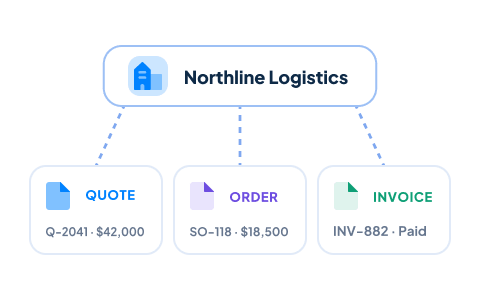
Incorporate Quotations Into Your Forecast
Quotations provide another important view of potential sales. Use quotations together with your opportunities when forecasting, so your team can understand expected business from deals that are progressing through the sales process. Keeping this information within the CRM helps connect the forecast to the sales activity that produces it.
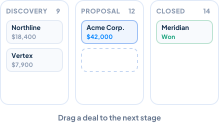
See Your Pipeline by Sales Stage
The Opportunity Pipeline Board gives your team a visual view of opportunities as they move through each sales stage, providing an important foundation for forecasting future sales. For a closer look at managing deals stage by stage, see our sales pipeline management software.
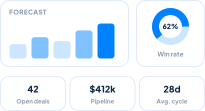
Visualize Your Sales Forecast
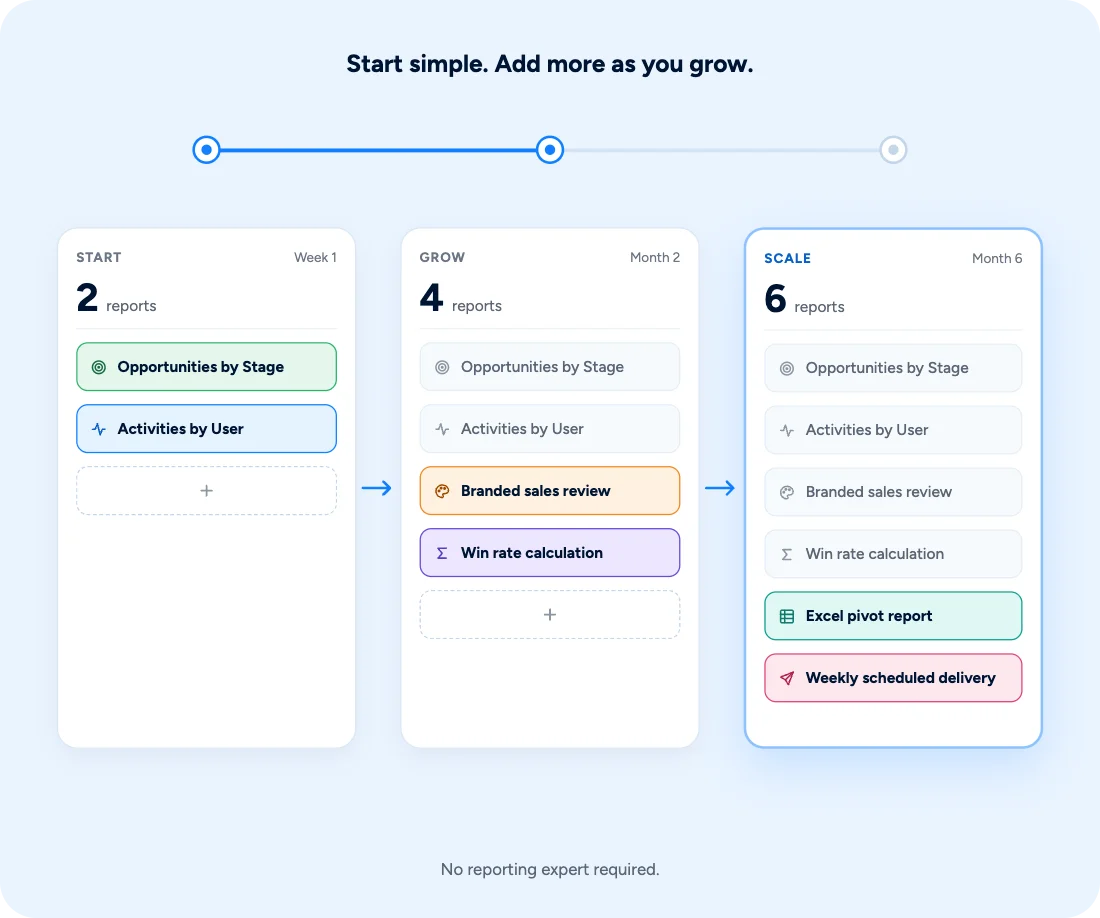
Numbers are easier to understand when you can see them. Use Reports, Charts, and Dashboards to visualize sales forecasting information and present pipeline data in a way that is easier for sales teams and managers to understand. Create reporting views that help your organization monitor pipeline activity and evaluate expected sales using the CRM data already available in Claritysoft CRM.
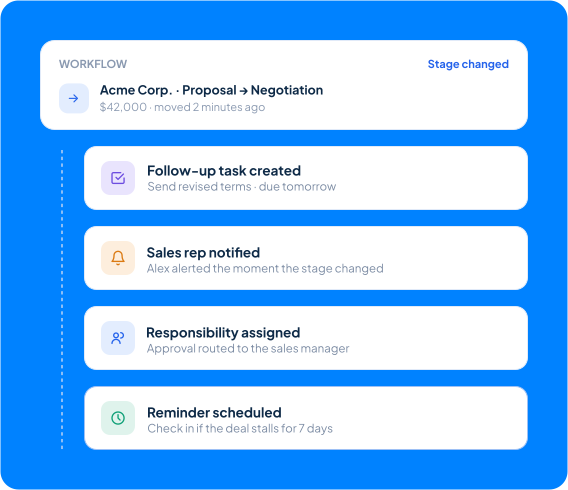
Automate Sales Processes
Sales forecasting becomes more useful when the underlying sales process is consistent. With Workflow Automation, Claritysoft CRM can automate supported actions as opportunities and other CRM information change according to the business rules your organization defines. Automation can help your team maintain consistent follow-up and sales processes while keeping the opportunity information used for forecasting current.

What Is Sales Forecasting in a CRM?
Sales forecasting is the process of estimating future sales based on current and expected opportunities in your sales pipeline.
CRM sales forecasting software uses information about opportunities, quotations, pipeline stages, and other sales data to help businesses understand potential future revenue and monitor how sales activity is progressing.
In Claritysoft CRM, sales forecasting is connected directly to Opportunities and Quotations. Your team can use the opportunity pipeline board to see where deals are in the sales process, then use reporting, charts, and dashboards to visualize the information and understand the forecast.
This gives sales teams and managers a shared view of the pipeline without requiring them to maintain separate forecasting spreadsheets.

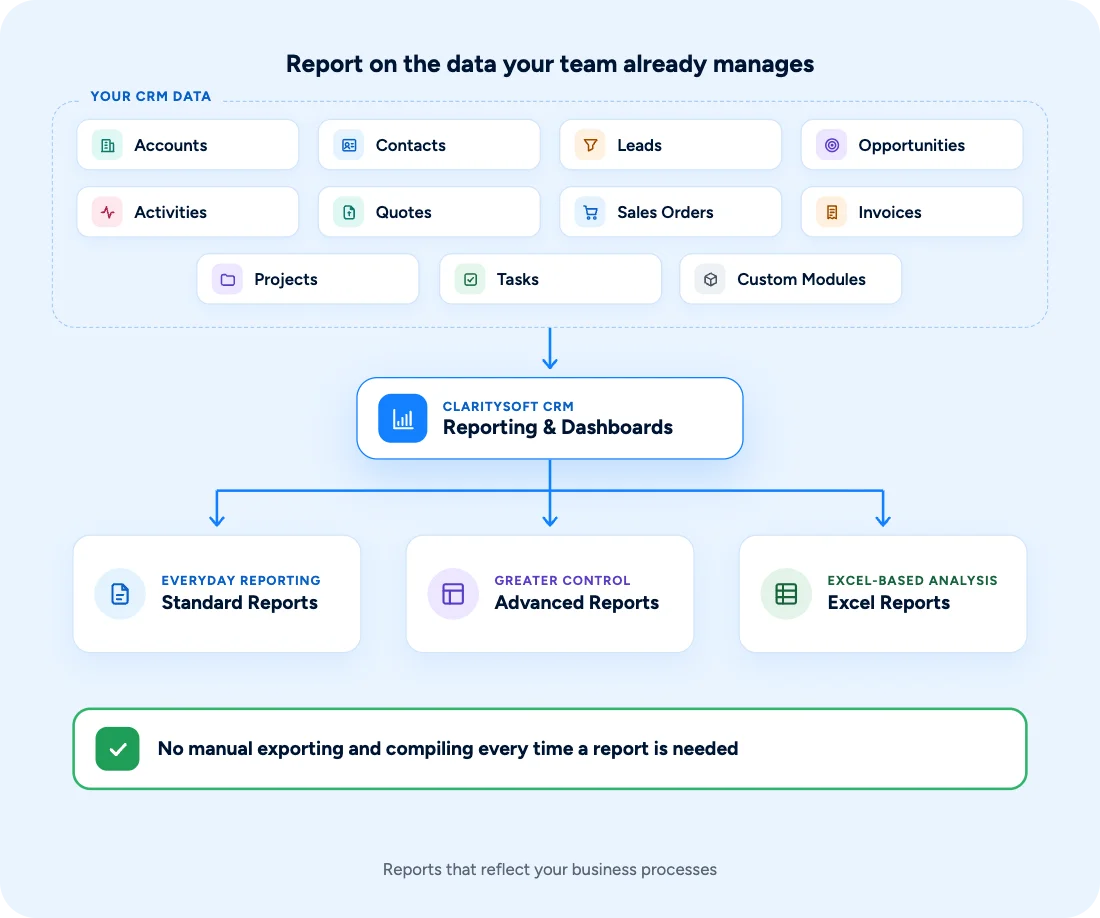
Keep Forecasting Connected to Your CRM
Because forecasting is based on information already stored in Claritysoft CRM, your team does not have to maintain a separate set of forecasting data.
Opportunities, quotations, pipeline stages, and reporting remain connected within the same CRM environment.
This helps create a shared source of information for sales teams and managers reviewing expected future sales.
Built for Growing Businesses
Growing sales teams need visibility into future revenue without creating another system for salespeople and managers to maintain.
Claritysoft CRM connects sales forecasting directly to the deals and quotes your team already manages. Your sales pipeline provides the underlying information, while reports, charts, and dashboards help turn that information into a clearer view of expected sales.
Know what’s in your pipeline, understand where your opportunities stand, and use your CRM data to plan for what’s next.
How This Fits Into Your CRM
Lead Management
Capture and qualify potential customers before they enter the sales pipeline.
Pipeline Management
Track opportunities through each stage of the sales process and provide the foundation for forecasting.
Account Management
Understand the companies associated with your sales opportunities.
Contact Management
Maintain the people involved in each potential sale.
Quote Management
Create and manage quotations that contribute to expected sales.
Sales Order Management
Track orders after opportunities become sales.
Invoice Management
Maintain billing information after a sale.
Task Management
Manage follow-up activities that keep opportunities moving.
Project Management
Manage customer work that follows a successful sale.
Calendar & Scheduling
Coordinate meetings and other scheduled sales activities.
Custom Modules
Extend the CRM to track business information unique to your organization.
Support Ticket
Manage customer support after the sale while keeping the broader relationship connected.
Plan Availability
Included with Core and Complete.
Quotation Management is available in the Complete plan.