Your Inbox and Your CRM. Finally Working Together.
Keep everything in sync with Claritysoft CRM’s Outlook integration.
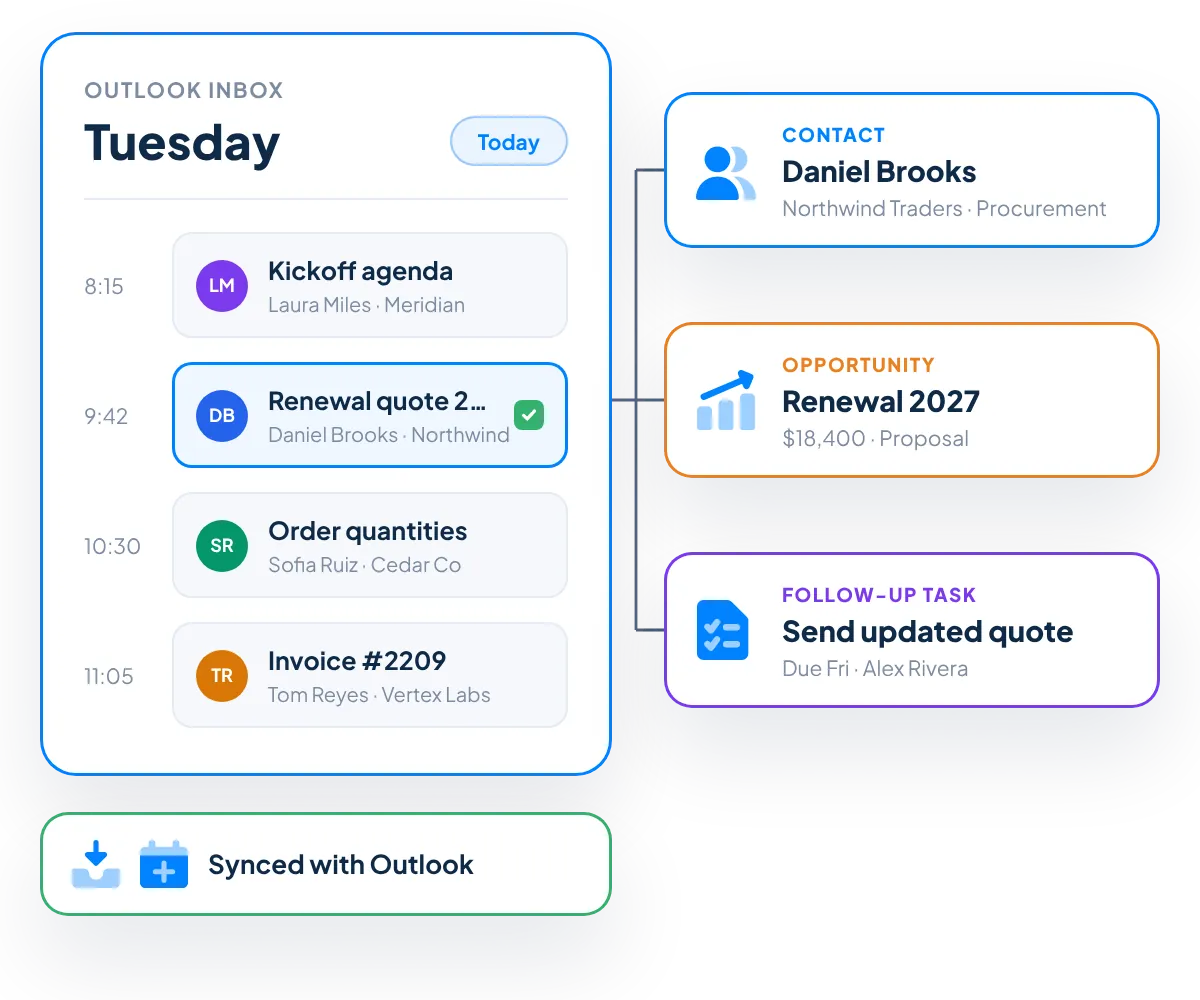
Save emails to the right customer record, sync contacts, tasks and meetings, and move between Outlook and Claritysoft CRM without switching tools. Your team keeps working in the inbox they know, while every conversation stays connected to the customer.
Everything You Need to Connect Outlook and Your CRM
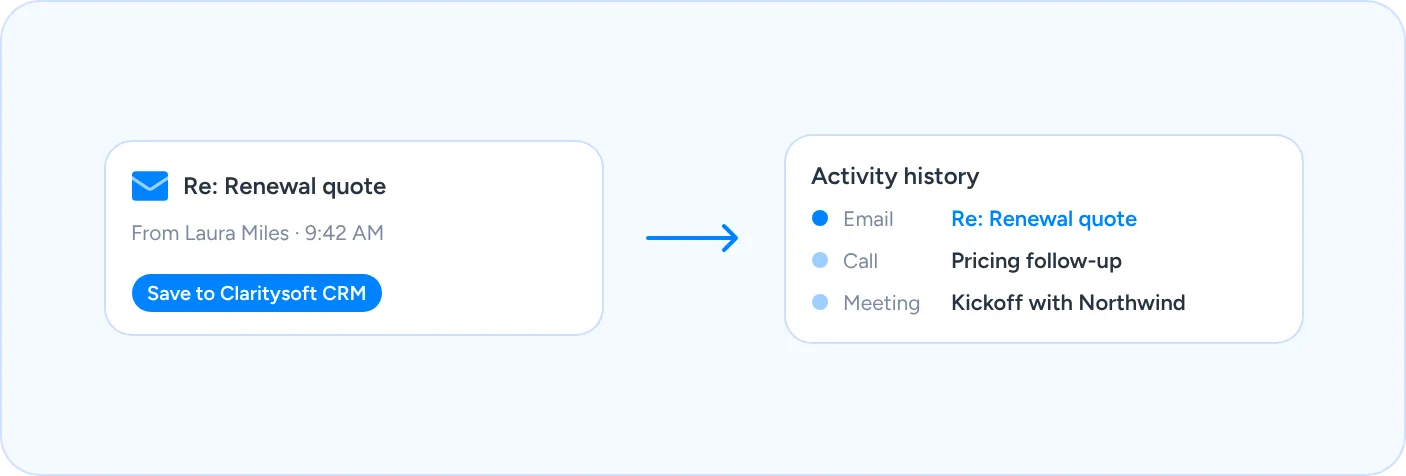
Email Saved to Activity History
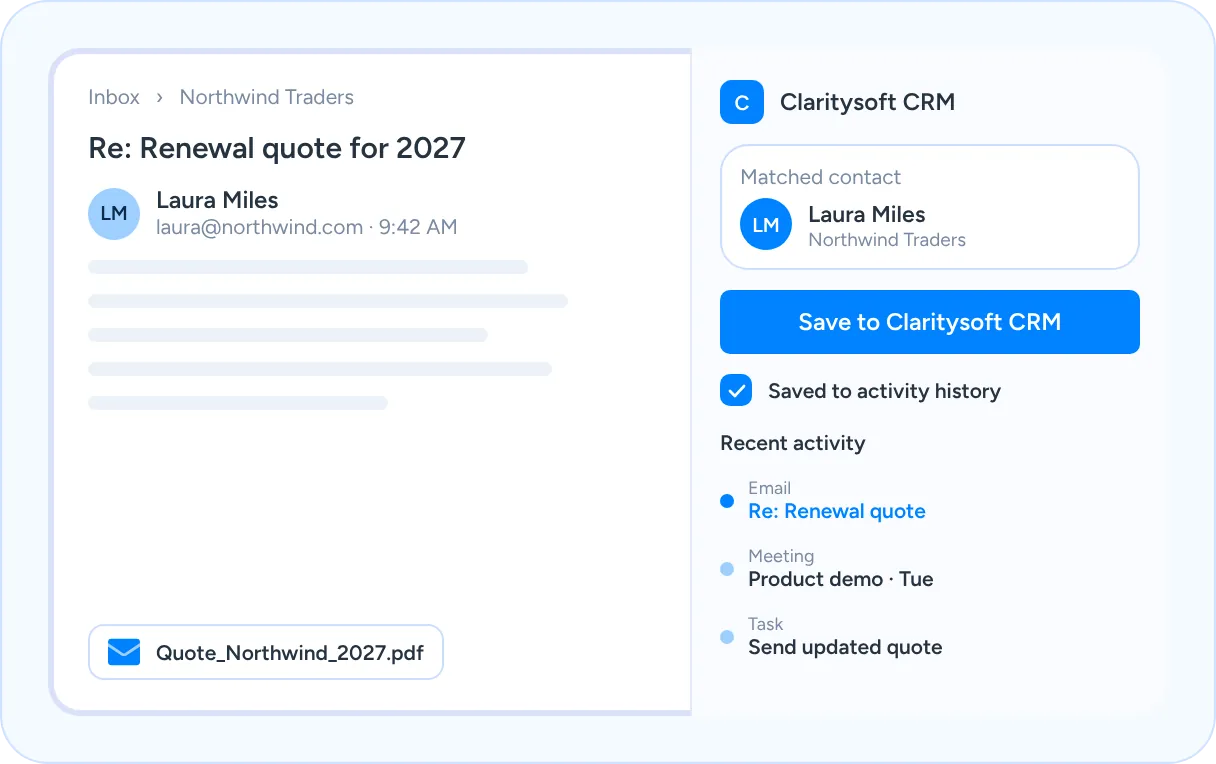
Save inbound and outbound Outlook emails to the right contact’s activity history, so every customer conversation is part of the record your whole team can see.
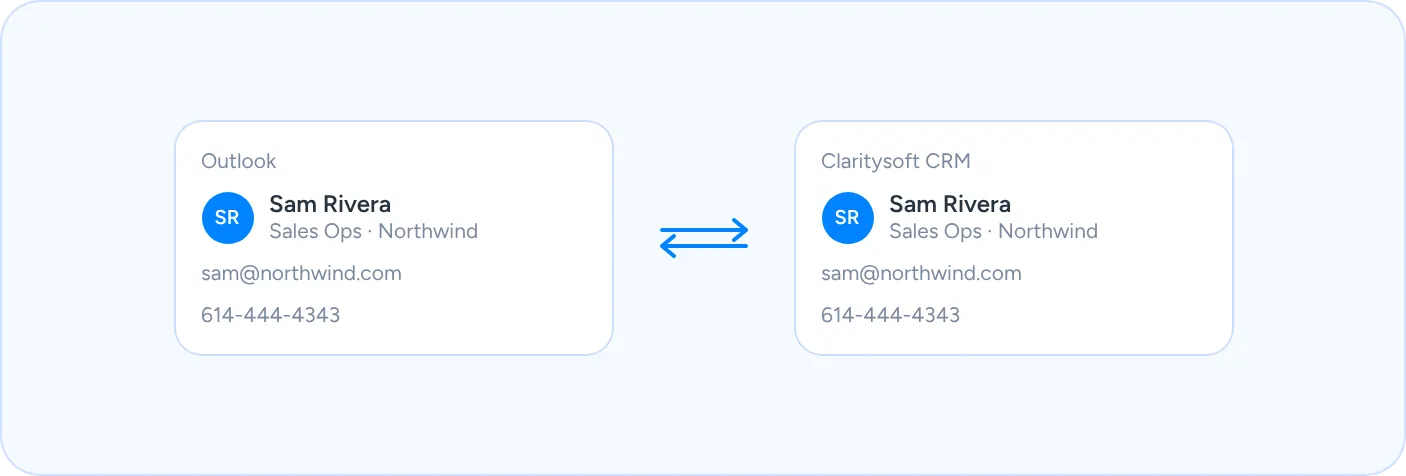
Contact Sync
Contacts stay synchronized between Outlook and Claritysoft CRM. Add or update a contact in either place and it is ready everywhere you work.
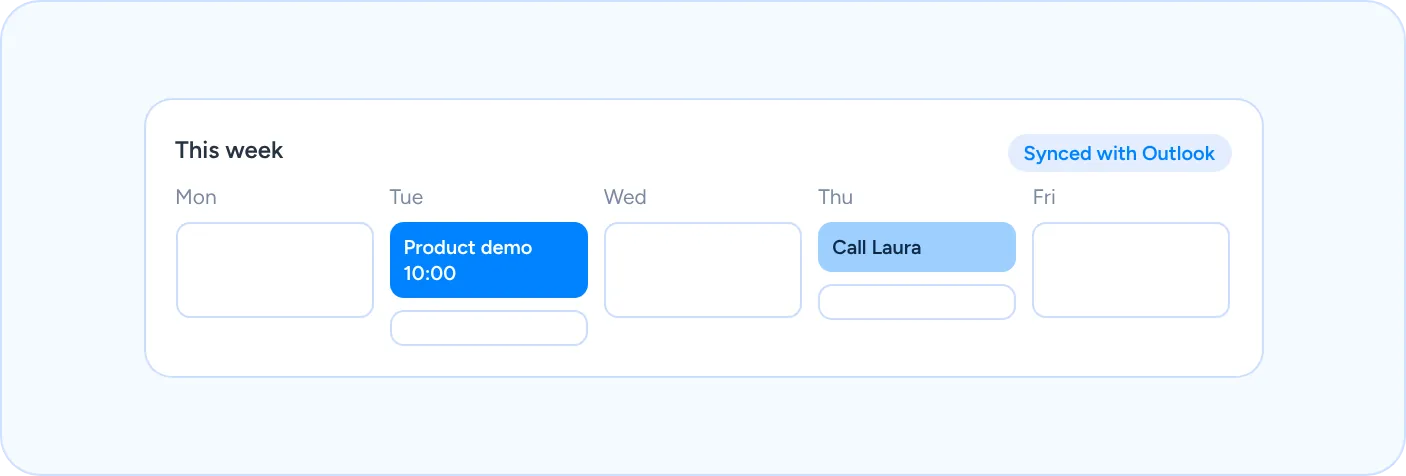
Tasks and Meetings in Sync
Tasks and meetings scheduled in Outlook appear in Claritysoft CRM, and CRM activities show up on your Outlook calendar.
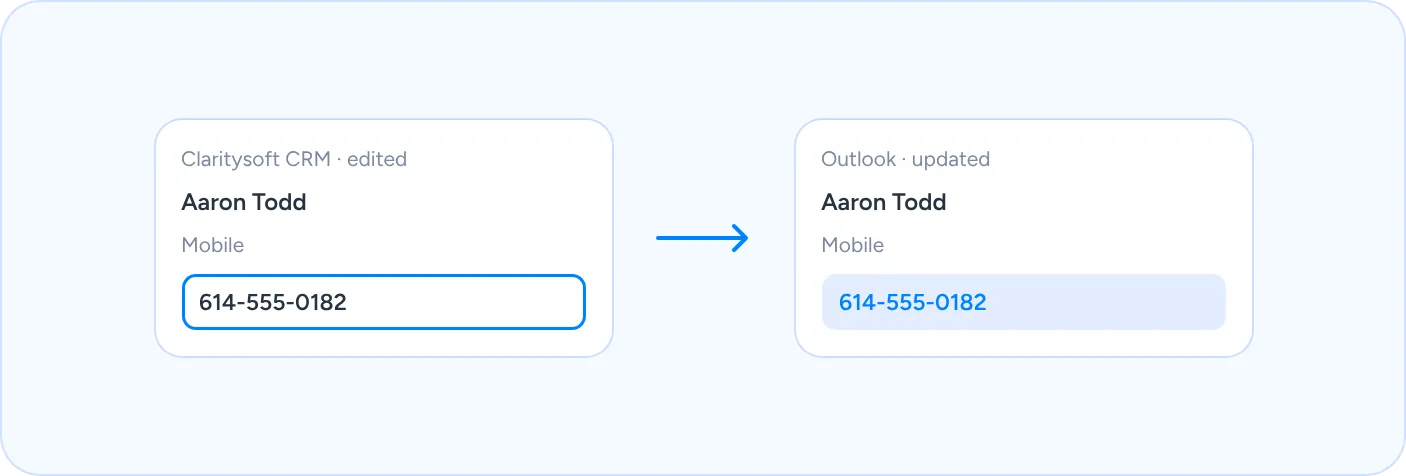
Two-Way Updates
Changes made in one system update the other, so your team never works from an outdated email, phone number or appointment.
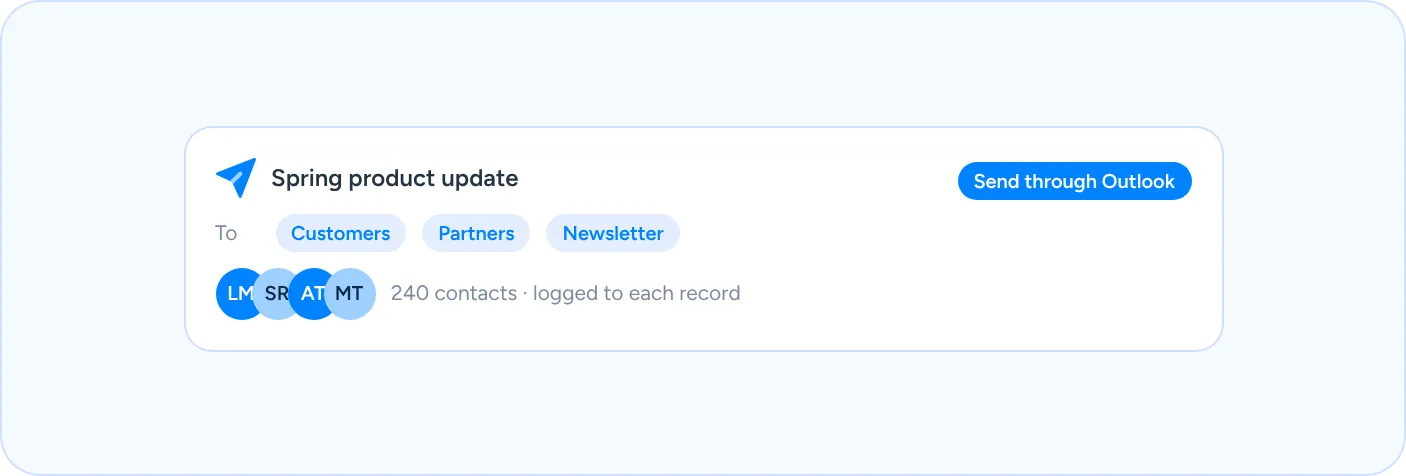
Email Blasts Through Outlook
Send email blasts to your CRM contacts through Microsoft Outlook, using the email account your customers already recognize.
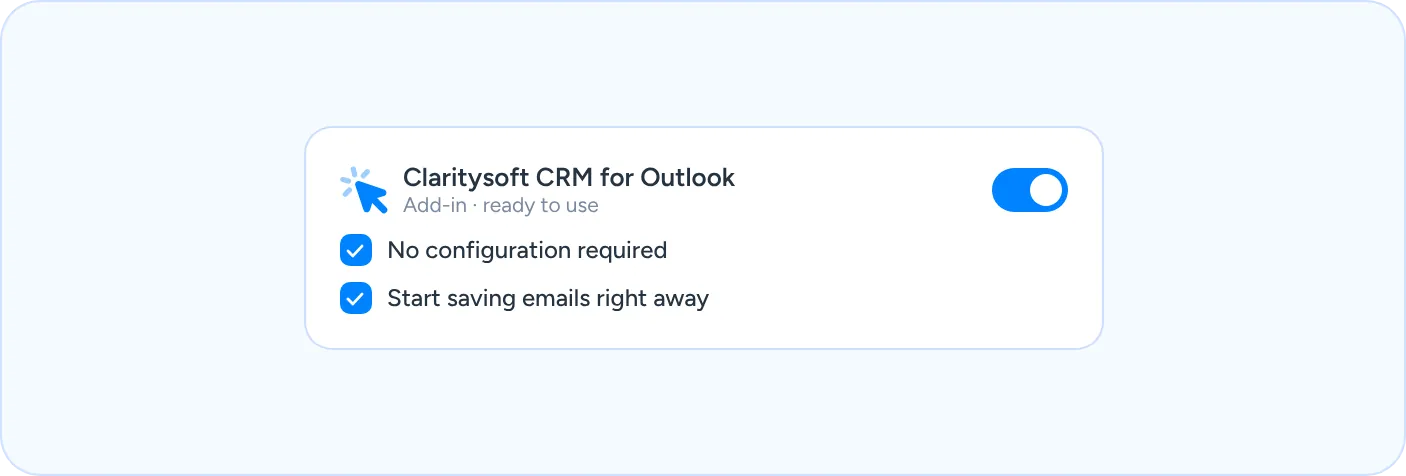
Works Out of the Box
The Outlook integration works out of the box with no configuration required, so your team can start using it right away.
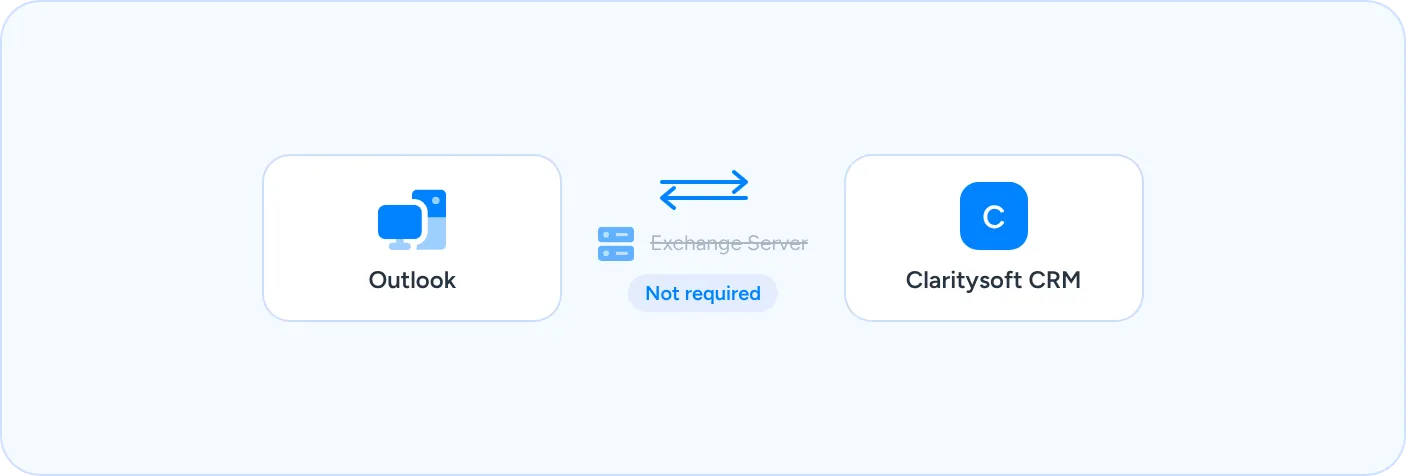
No Exchange Server Required
You do not need Microsoft Exchange Server to use the integration, which keeps setup simple for small and midsize businesses.
Support for Most Outlook Versions
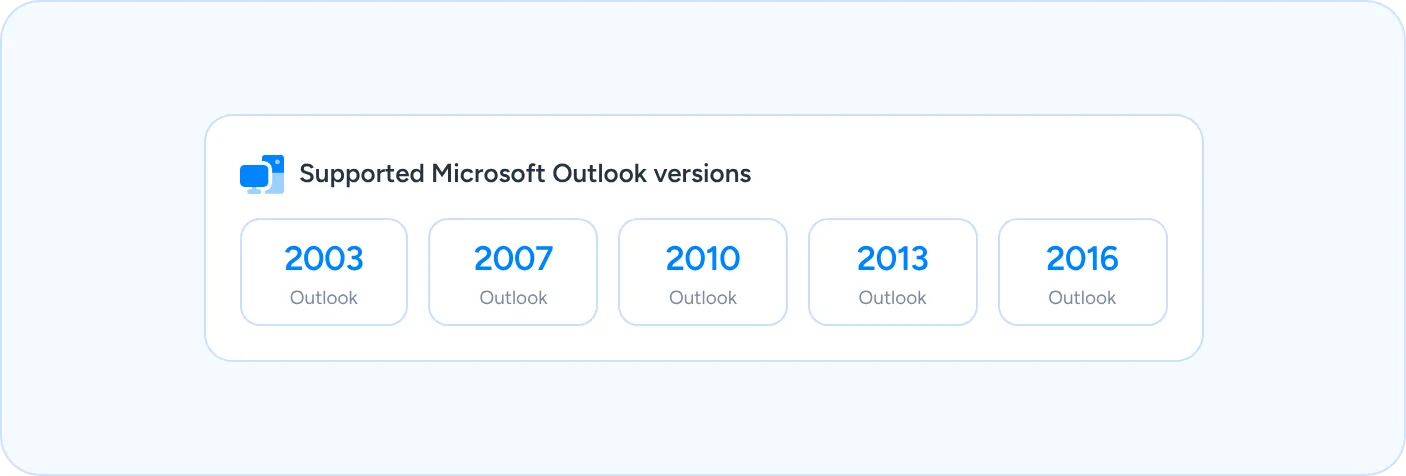
The Outlook Plugin supports most versions of Microsoft Outlook, including 2003, 2007, 2010, 2013 and 2016.
What Is Outlook CRM Integration?
Outlook CRM integration connects your email, calendar and contacts in Microsoft Outlook with the customer records in your CRM, so information entered in one place is available in the other.
Claritysoft CRM’s Outlook Plugin turns our feature-rich platform into a CRM that works directly with Outlook. Your sales team can move quickly between email, calendar and CRM, with powerful functionality packaged in an efficient, simple design.
Instead of copying emails, retyping contact details or keeping two calendars, everyone works from the same up-to-date information. Emails, contacts, tasks and meetings stay connected to the customer record, giving your team a complete picture of every relationship.
Stop Copying Emails Into Your CRM
Every customer email belongs in the customer record, not just in one person’s inbox.
With the Claritysoft CRM Outlook Plugin, inbound and outbound emails are saved to the contact’s activity history. Contacts, tasks and meetings stay synchronized between Outlook and Claritysoft CRM, and changes made in one system update the other, so your team spends less time on manual data entry and more time with customers.
Built for Teams That Live in Outlook
Most small and midsize teams already run their day in Outlook. Asking them to change how they email rarely works.
Claritysoft CRM meets your team where they already are. The Outlook Plugin works out of the box, does not require Exchange Server and supports most versions of Microsoft Outlook, so you can connect your inbox and your CRM without a long rollout.
Simple to set up. Easy to use every day.
Customer Ratings
Trusted by Teams Frustrated with Complex CRMs.
Rated best value and easiest to use by real customers. Trusted by thousands of teams since 2010.
4.7
★★★★★Rated 4.7 out of 5
Average across G2, Capterra, GetApp, SourceForge & Software Advice
“I’ve been using CRM for more than 15 years. I’ve never seen flexibility like this before.”
Dean H.
CTO
120+ reviews · Leader 2026
★★★★★Rated 4.9 out of 5
4.9
160+ reviews · Category Leader
★★★★★Rated 4.6 out of 5
4.6
240+ reviews · Best Value 2026
★★★★★Rated 4.5 out of 5
4.5
160+ reviews · Front Runner
★★★★★Rated 4.6 out of 5
4.6
G2.com
100+ reviews · High Performer
★★★★★Rated 4.3 out of 5
4.3
Explore Related CRM Capabilities
Contact Management
Keep every contact and conversation organized in one place.
Activity Management
Track calls, emails, meetings and follow-up tasks.
Create follow-up tasks and notifications automatically.
Frequently Asked Questions
What does the Claritysoft CRM Outlook Plugin do?
It saves inbound and outbound emails to your CRM activity history, synchronizes contacts, tasks and meetings between Outlook and Claritysoft CRM, and lets you send email blasts through Microsoft Outlook.
Do changes sync in both directions?
Yes. Changes made in one system update the other, so contacts, tasks and meetings stay consistent in Outlook and Claritysoft CRM.
Do I need Microsoft Exchange Server?
No. Exchange Server is not required to use the Outlook integration.
Which versions of Outlook are supported?
The plugin supports most versions of Microsoft Outlook, including 2003, 2007, 2010, 2013 and 2016.
Is the integration difficult to set up?
No. The Outlook integration works out of the box, with no configuration required.
Ready to Bring Outlook and Your CRM Together?
Save emails, sync contacts, tasks and meetings, and keep every customer conversation in one place with Claritysoft CRM.