With Claritysoft CRM’s customer service automation solution, you can manage your support services and ticketing process swiftly and accurately. Claritysoft CRM’s service automation software provides your business with powerful tools to tackle customer support issues quickly and efficiently, and greatly reduces the manual effort required for resolving client issues.
Everything You Need to Resolve Customer Requests Faster
Support Ticket Management
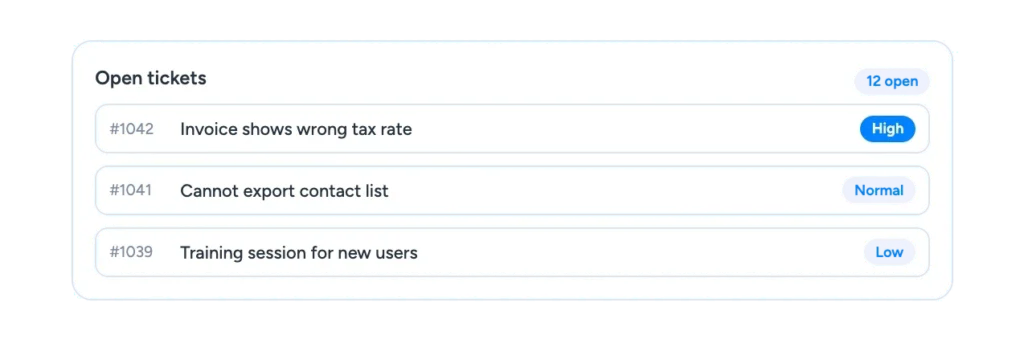
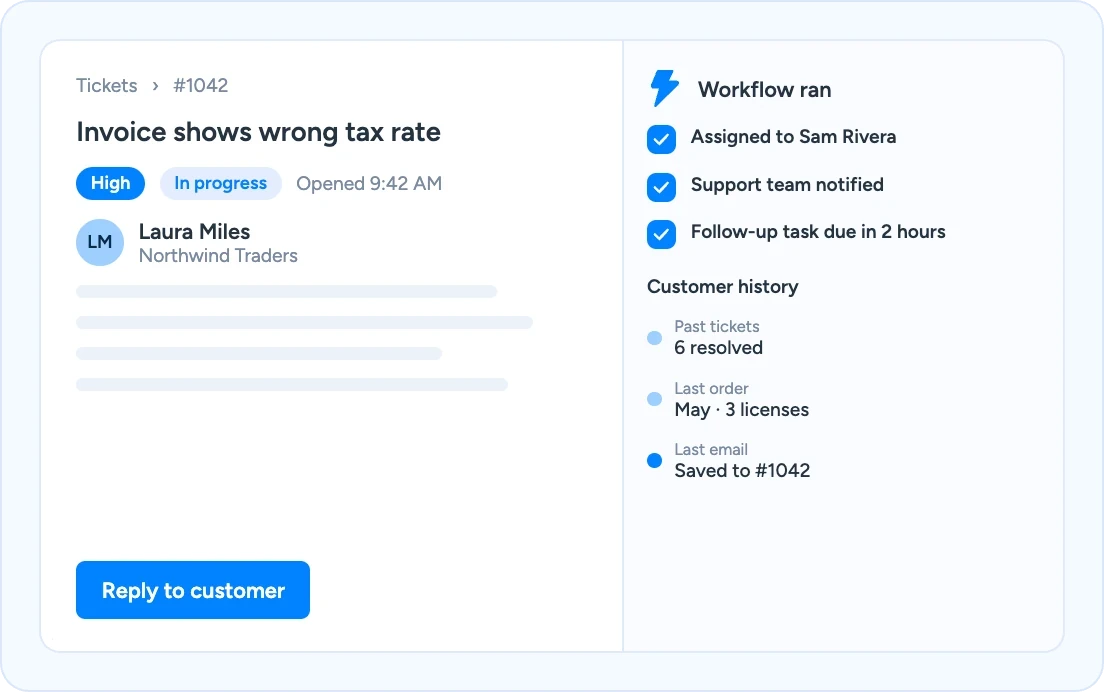
Log every customer request as a ticket and track it from first contact to resolution. The ticketing module is the central hub for all of your support inquiries.
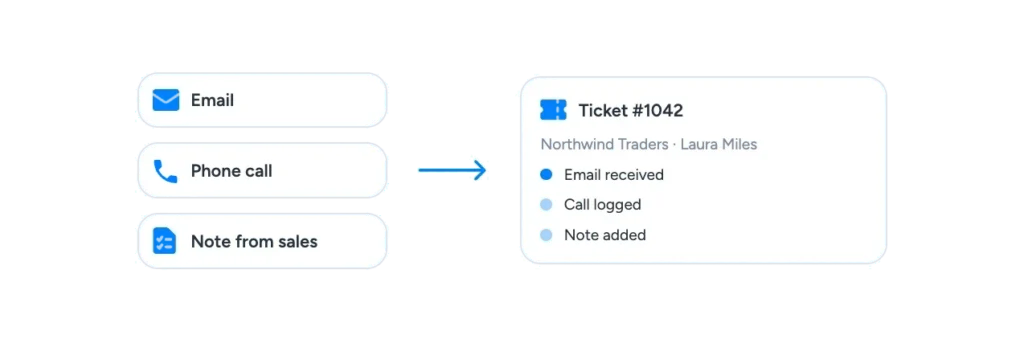
Centralized Support Interactions
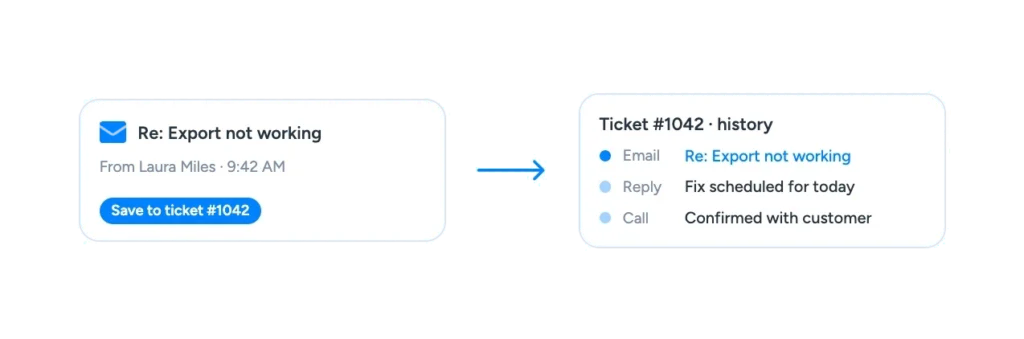
Keep emails, calls and notes for a request together, so your team and your customers always work from the same conversation.
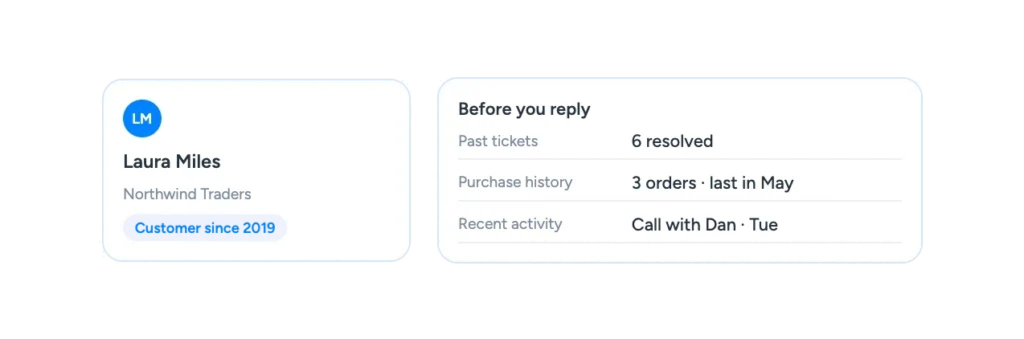
Complete Customer History
See activity history, purchase history and past tickets before you reply, so you can guide the conversation and give the best support possible.
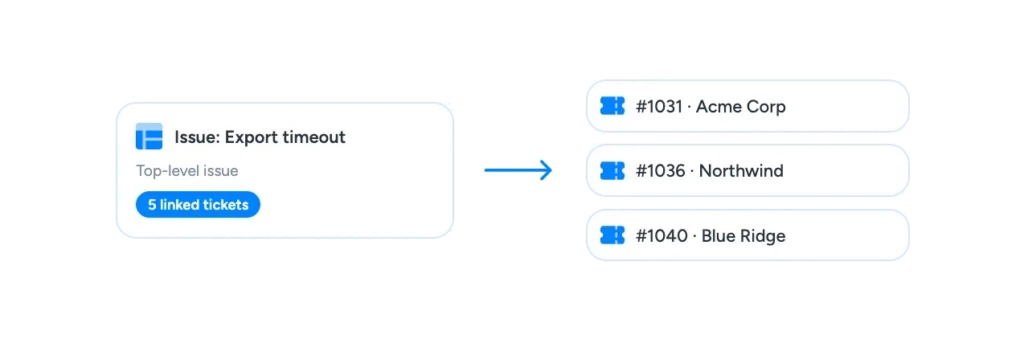
Issues Module
Group related tickets under one top-level issue, so a problem that affects many customers is tracked and resolved in one place.
Ticket Assignment and Priority
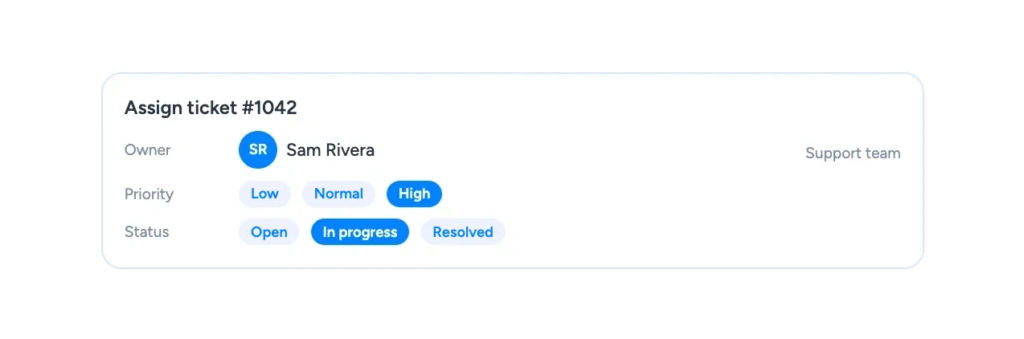
Assign each ticket an owner, a priority and a status, so the right person works on the most urgent requests first.
Workflow Automation
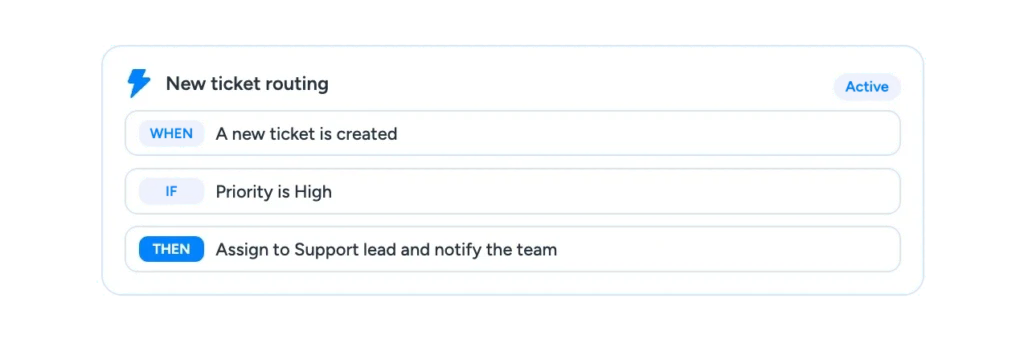
Assign new tickets, notify team members as tickets progress and create follow-up tasks automatically, based on the rules you define.
Email Integration
Save customer emails to the right ticket and contact record, so the whole support conversation stays in one place.
Service Reports and Dashboards
Track open and resolved tickets and team workload with reports and dashboards, and spot recurring issues early.
What is Customer Service Software?
Customer service software helps a business receive, organize, assign and resolve customer requests, while keeping a record of every interaction with that customer.
In Claritysoft CRM, customer service is part of the same system as your contacts, accounts, sales and projects. A support ticket is linked to the customer who raised it, so your team sees the full relationship, not just the latest request.
Instead of answering from scattered emails or memory, everyone works from the same ticket and the same customer record. Routine steps such as assigning tickets and notifying the team can run automatically, which reduces the manual effort needed to resolve each issue.
Automate To Deliver Swift Customer Resolution
Centralize all customer support interactions for seamless communication between your team and your clients.
Our customer management software helps your business quickly resolve customer issues with robust support and servicing tools. Utilize Claritysoft CRM’s service automation software to gain ready access to activity history, purchase history, and past tickets, helping you guide the conversation and provide the best support possible.
Versatile Support Ticketing Options
The main ticketing module of Claritysoft CRM’s service automation feature serves as the central hub for all of your support inquiries, while the issues module can be used to corral your top-level support issues into one area.
Service automation software helps you manage, organize, and prioritize your internal support issues and track customer tickets without ever leaving the CRM.
Faster problem solving, happier customers, greater customer retention.
Customer Ratings
Trusted by Teams Frustrated with Complex CRMs.
Rated best value and easiest to use by real customers. Trusted by thousands of teams since 2010.
4.7
★★★★★Rated 4.7 out of 5
Average across G2, Capterra, GetApp, SourceForge & Software Advice
“I’ve been using CRM for more than 15 years. I’ve never seen flexibility like this before.”
Customer service software helps a business receive, organize, assign and resolve customer requests, while keeping a record of every interaction. In Claritysoft CRM, support tickets are linked to the customer record, so your team sees the full history before they reply.
What is the difference between a ticket and an issue?
A ticket is a single customer request. An issue is a top-level problem that can group many related tickets, so a problem that affects several customers is tracked and resolved in one place.
Can Claritysoft CRM automate support tasks?
Yes. With Workflow Automation you can assign new tickets, notify employees as tickets progress and create follow-up tasks based on the rules you define.
Can my team see a customer’s past tickets and purchases?
Yes. Agents can see activity history, purchase history and past tickets from the customer record, which helps them guide the conversation and resolve the request faster.
Which plan includes support ticketing?
Support Ticket Management is included in the Complete plan.
Ready to Deliver Faster, More Personal Support?
Track, manage and resolve every customer request with the full customer history in front of you.